Why are R.E.P.O. mods not working? Client TimeOut, explained
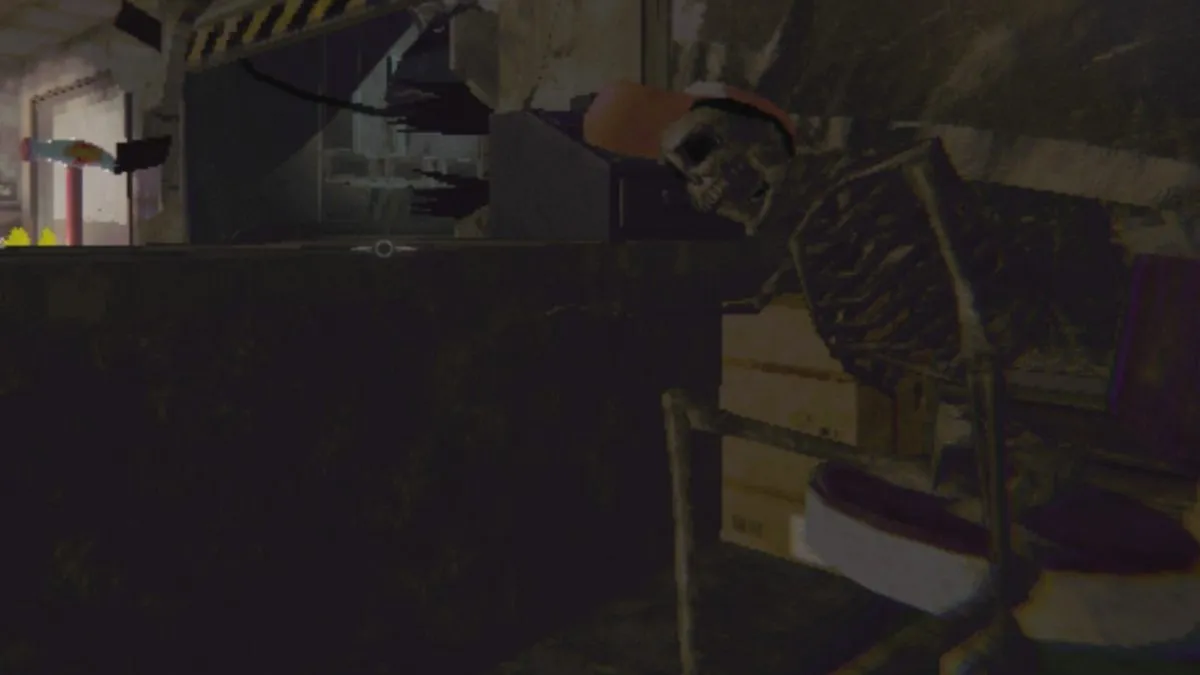
A new release or big update brings the inevitable, and R.E.P.O. is no stranger to the fury of glitches, Client TimeOut, and error codes. The Cosmetics Update offers a brand new outfit to strut and tumble launch in, but it comes with a catch.
Monsters aren't the only thing to fear in R.E.P.O. Just trying to get into a game might send shivers up your spine, or successfully ragebait you into uninstalling. Here's what you need to know about R.E.P.O.'s Client TimeOut error and how to solve it so that you can get back into the Cosmetics Update and farm those cosmetics boxes.
R.E.P.O.: Client TimeOut, crashing on launch, frame-rate drop, and stuttering solutions
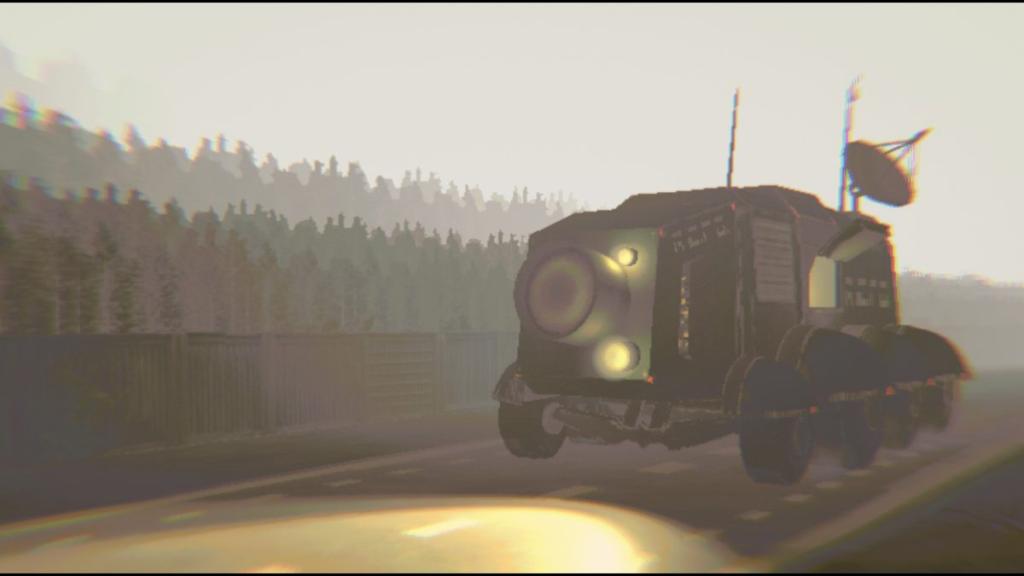
Client TimeOut has plagued its fair share of semibots since R.E.P.O.'s initial release back in February, 2025. Disconnection from lobbies isn't a thing of the past as it rears its ugly head in the Cosmetics Update. But this isn't the only thing to worry about. I have experienced frame-rate dropping, stuttering, crashes, and had the Main Menu buttons completely disappear since the update launched on May 7, but there's one constant across the board when it comes to these ongoing issues: Mods. It appears that having mods installed and inside the R.E.P.O. game folder on Steam has created this issue.
Whether you're running them yourself or are trying to join a lobby where the host is [MODDED], you will more than likely run into one of these visual or performance issues. To counter it, make sure that you can deactivate all mods by removing them from the game folder. You can do this by right-clicking on R.E.P.O. on Steam Library, going to Properties, and opening the Browse Files menu. Leave the BepInEx folder there, but go into its plugins and move all mods to a safe folder (outside of R.E.P.O.) where you can find them again. This will keep them safe for when they update to the newest version, and you can place them back into plugins. Make sure the game is not launched when you are removing mods. Then, run R.E.P.O. once the plugins folder is emptied. Reinstall if you're still running into issues.
Developer semiwork has acknowledged this ongoing issue with semibots using mods, advising to waitg for all previously equipped mods to be updated to match the current version. Mods are outside of semiwork's hands, and it is down to the modders to update the version so that they are compatible with R.E.P.O. again.
The post Why are R.E.P.O. mods not working? Client TimeOut, explained appeared first on Destructoid.
Схожі новини

У Росії можуть оголосити мобілізацію: політтехнолог припустив, коли це станеться
First-party Xbox studio Double Fine is unionizing
"Коледж", якого не існувало: на Кіровоградщині викрили зухвалу схему бронювання чоловіків