'What if behind the pointer, there was an AI model': Google DeepMind wants to reinvent the humble mouse cursor
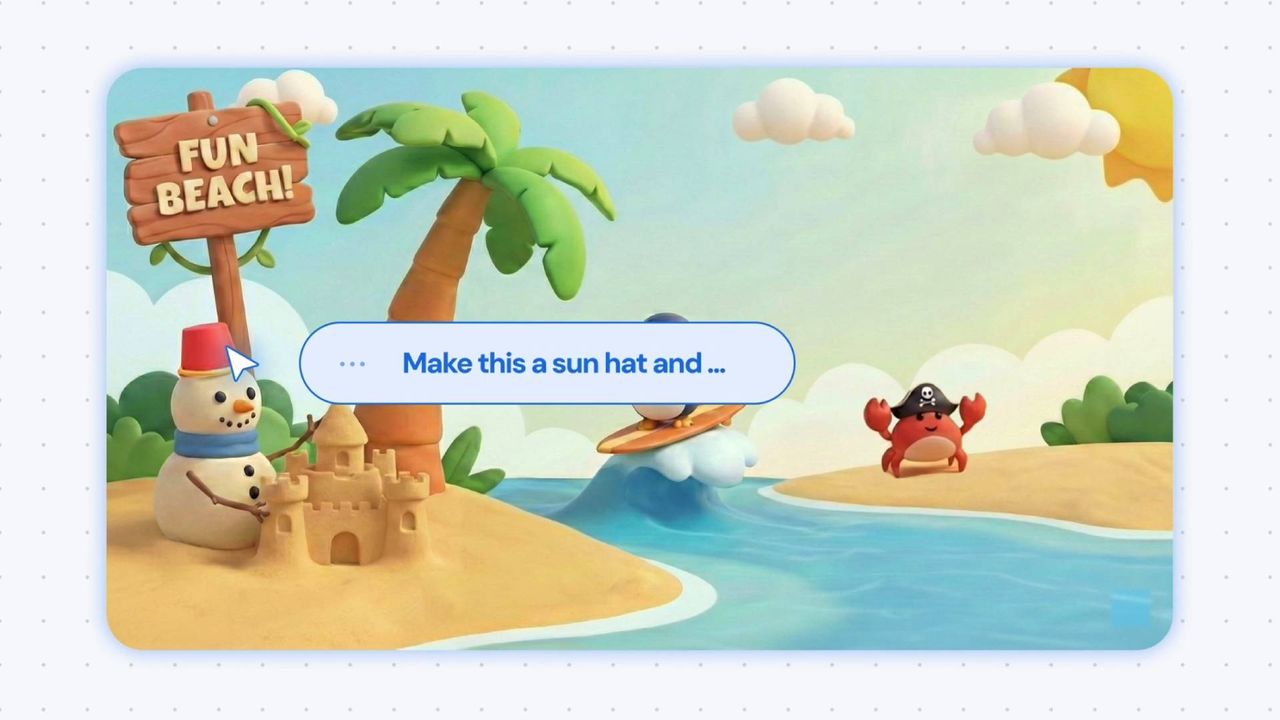
I don't doubt there's some worthwhile application of at least one technology lumped under the monolithic 'AI' banner. Unfortunately, big tech's major players seem preoccupied with reinventing the wheel and introducing an unnecessary agentic twist. Case in point, Google DeepMind's latest experimental demo attempts to give your humble mouse cursor an AI enhancement.
"The mouse cursor is something that has been forgotten," argues Adrien Baranes, a staff researcher prototyping Human-AI Interactions at Google DeepMind, "What if behind the pointer, there was an AI model, like Gemini, trying to interpret whatever we are saying, like another person would."
To be fair to the demo, barking commands at Gemini does reduce the standard, laborious process of copy and pasting recipe ingredients into a shopping list by a considerable number of clicks. I've got plenty more sass where that came from—but this cursor demo is also interesting in how it attempts to navigate contextual challenges that might otherwise stump many AI models.
Essentially, rather than relying on an AI model to consistently tell the difference between a shopping list, a recipe, a food fight, and a hamburger costume, a combination of cursor gestures and naturalistic commands like 'move this here' are leveraged to point the AI in the right direction.
"Current models require precise instructions, but our AI-enabled pointer removes that burden," Google DeepMind shares, "By 'seeing' what’s under your cursor, it instantly understands the specific word, image, or code block you need help with."
We’re reimagining a 50-year-old interface - the mouse pointer - with AI. 🖱️These experimental demos show how people can intuitively direct Gemini on their screens using motion, speech, and natural shorthand to get things done 🧵 pic.twitter.com/p6fhgNcopzMay 12, 2026
Another example explored by these early tech demos involves watching a video of 'top 10 places to eat in Tokyo,' dragging your cursor across an eatery's signage, and then Gemini agentic-ly taking you through booking a table for the following evening. Setting aside the well-covered security concerns of letting an AI agent at your emails or other important data, I do also wonder how this tech might handle misclicks—at least with the restaurant example, there appear to be multiple steps that a user can easily backpedal away from.
Otherwise, I'm not convinced this "50-year-old interface" really needed the AI reinvigoration. Besides the obvious 'if it ain't broke…' argument, I don't think I'd be comfortable with allowing Gemini to get an eyeful of my desktop.
To be clear, if you switch Smart Features on in Gmail and let Gemini organise your inbox, Google won't then scan your emails to train its AI. Instead, official support documentation for Gemini apps says that "summaries, excerpts, generated media, and inferences" resulting from your prompts to the AI are what is used as training data.
As such, if the cursor demo was to become more widely available, odds are Gemini wouldn't be tattling to Google about the contents of your SSD—though it could potentially tell Google what you do all day at your desk. Personally, I'd rather no one knew how often I fail to write 'embarassment' or 'occassionally' correctly, let alone anything else.
Схожі новини
Бета обновленного Steam Marketplace стартовала: Valve переделала маркет впервые за несколько лет
Samsung представила первую бету One UI 9: перечень улучшений
