Threads Launches Live Chats Feature, Enabling Real-Time Group Conversations During Major Events
Threads Launches Live Chats Feature, Enabling Real-Time Group Conversations During Major Events
Meta's Threads platform has introduced Live Chats, a new functionality that allows users to participate in public, real-time group discussions centered around significant live events. The feature represents the company's continued commitment to fostering community-driven interaction on its social network.
How Live Chats Works
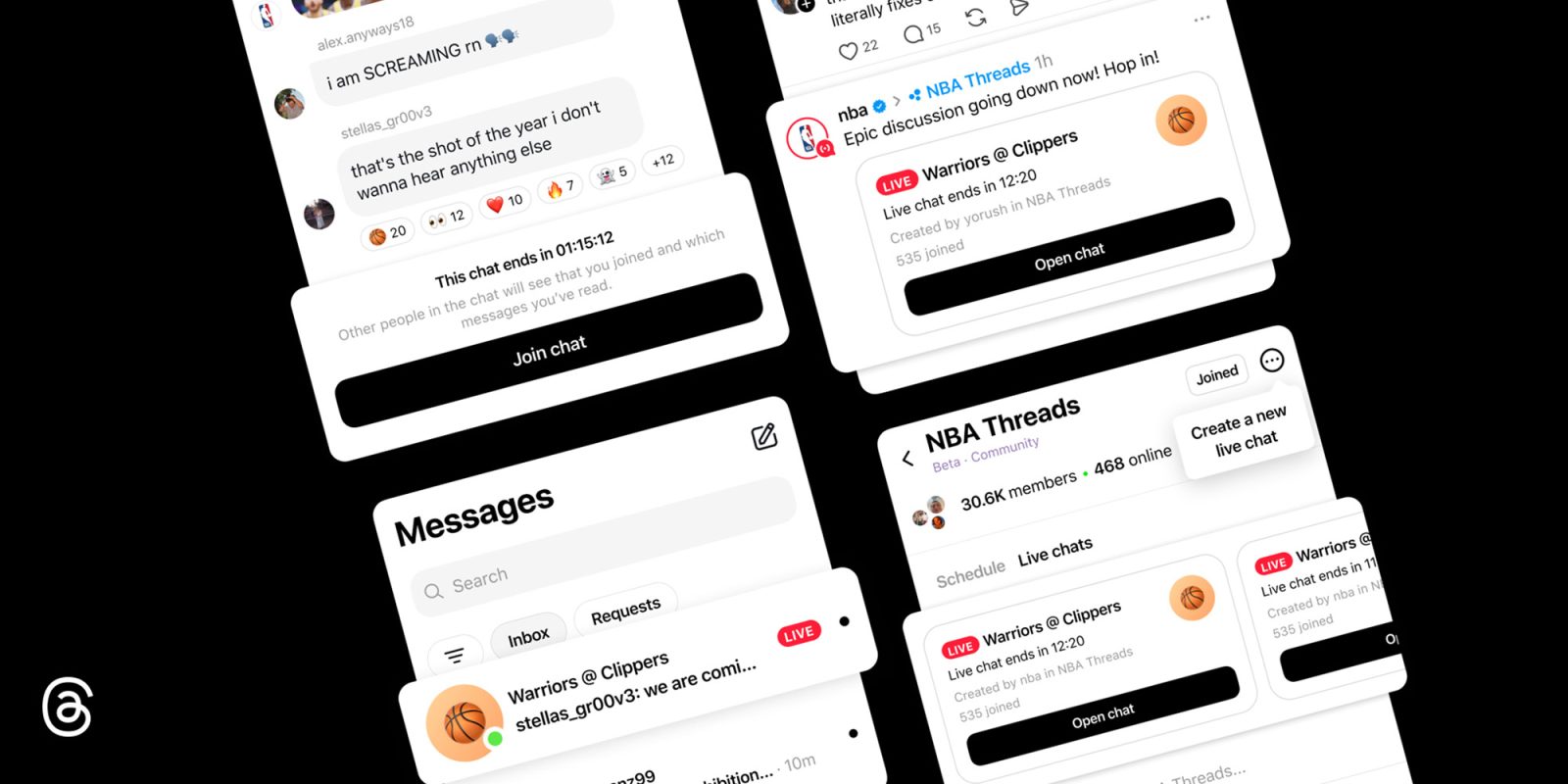
The Live Chats feature functions as a hybrid between traditional group messaging and trending topic discussions. Users can seamlessly join public conversations occurring during major live events—such as NBA games—and engage in simultaneous discussions with other participants following the same event.
Once users enter a live chat, they gain full messaging capabilities, including the ability to share photos, videos, and links with other participants. The platform also supports reaction emojis, allowing users to express their sentiments in real time. For those joining chats that have reached capacity, the platform still offers the ability to observe conversations, react to messages, and participate in polls without full posting privileges.
Access and Availability
At present, only a limited group of creators and Community Champions possess the authority to host Live Chats. However, once these sessions are created, they become publicly discoverable and remain accessible to users even after the live event concludes.
Creating a Live Chat
Eligible hosts can initiate a Live Chat by accessing the three-dot menu icon located in the top right corner of their Community and selecting the Schedule a Live Chat option. Hosts can then customize their session by assigning a title, establishing specific start and end times, and extending invitations to potential participants. Additionally, hosts can promote their Live Chats through their Threads feed and Instagram Stories.
Active and scheduled live chats appear prominently at the top of community pages, such as the NBA Threads community. Once participants join the conversation, they can access it through the Messages tab, similar to accessing any other direct or group chat within the application.
Схожі новини
In the AI era, Apple's strengths may become its constraints
Ping-pong robot Ace makes history by beating top-level human players
SoftBank seeks $10 billion margin loan backed by OpenAI shares