This could be the best thing to ever happen to Apple’s Camera app
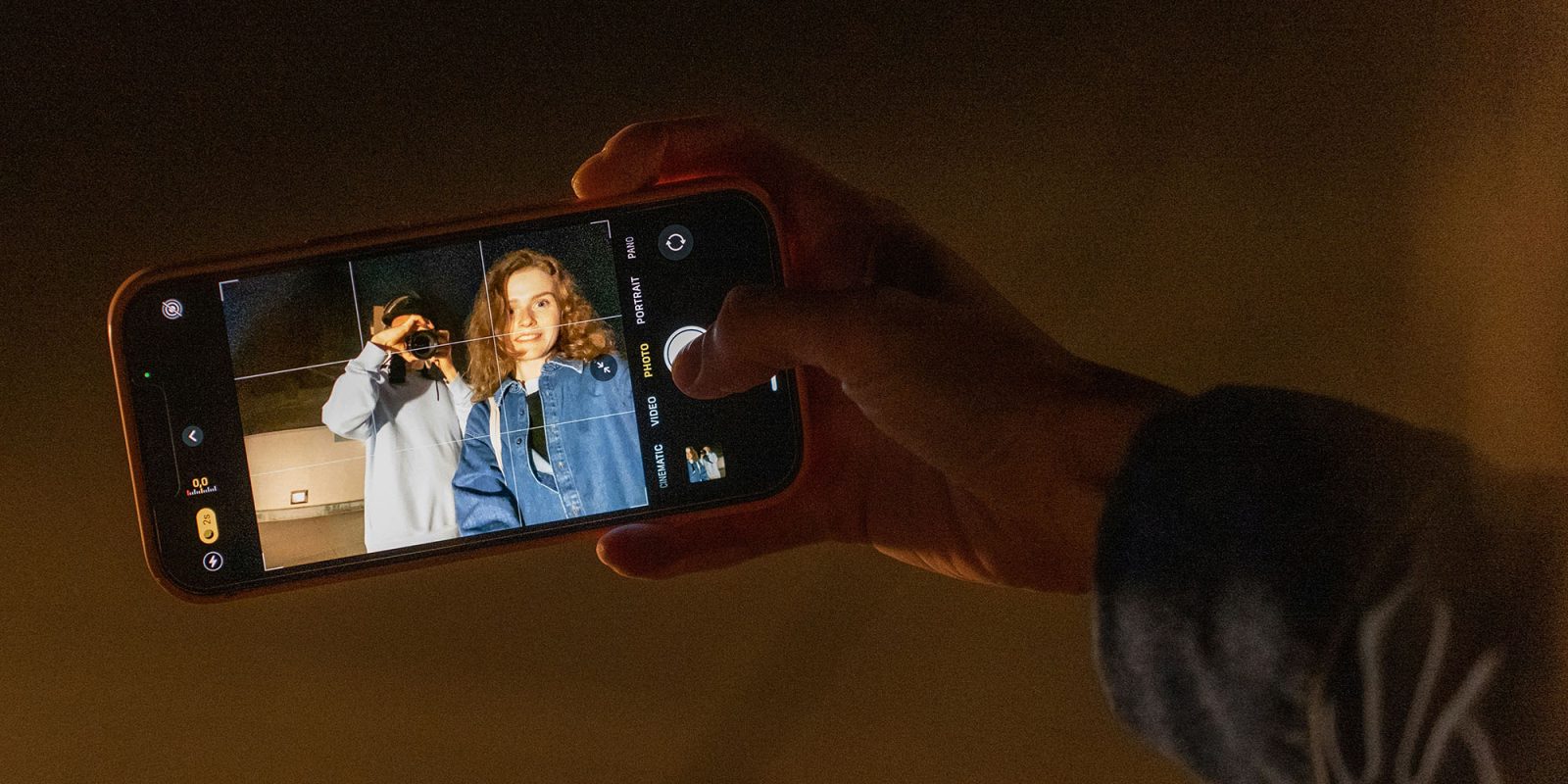

Apple’s stock Camera app started out with a very straightforward goal: it was intended to allow anyone to pick it up, press a button and get a decent result. It essentially made an iPhone the ultimate point-and-shoot camera.
Over the years, however, the app has grown increasingly sophisticated. While that may be a good thing, it has been accompanied by growing complexity. Finding the setting you want can involve a lot of guesswork about where it is found in the ever-expanding UI. Fortunately, it seems that iOS 27 may solve this problem …
It Just Works
Most people aren’t interested in photography. They simply want to pick up a camera, point it at someone or something, and press the button. Prior to smartphones, there was an entire category of cameras known as point-and-shoot intended to make this possible.
Delivering good results from a point-and-shoot camera is surprisingly tricky. If the camera is going to be making all of the decisions, rather than relying on help from the user, you actually need pretty sophisticated under-the-hood programming. For example, cameras have scene-recognition where they attempt to work out what it is you are photographing and then automatically choose the most appropriate settings for the shot.
The iPhone camera app takes this approach. For example, it will recognize faces, automatically focus on these, and set the appropriate exposure so that the people are properly lit even when shot against a bright background. Additionally, iPhones do a lot of processing of the photo after it has been taken in order to deliver the best result for each type of shot.
This is still true today and an iPhone will typically deliver decent results in the vast majority of situations without the user having to think about any of the settings.
The pros & cons of manual controls
For quite some time, the stock Camera app remained very simple, and anyone wanting to take manual control would usually use a third-party camera app. Over time, however, Apple has brought increasing control to its own app.
For example, if you tap the settings icon in the top right and then Styles, you can manually adjust both tone and color settings using a two-axis pointer.

That degree of control is great for creativity but introduces complexity to the user interface. The UI for the Camera Control button was, I hope, peak complexity – embedding a lot of the controls into an exceedingly fiddly touch-sensitive combined slider, clicker, and shutter button.
Apple’s reported solution
A Bloomberg report yesterday indicates that Apple is planning to solve this problem in iOS 27. It suggests that users will be able to choose which settings appear and where they are placed.
Apple is planning to make the Camera app interface fully customizable so users can pick their own set of controls — called widgets — that run along the top of the interface.The app will continue to launch with the same default set as today, including toggles for resolution, night mode, flash and live photos, but users will be able to switch over to an “advanced” array of options or choose their own items.
This strikes me as the best of both worlds. It will enable users to hide the features they never use and bring front-and-center the ones they do.
For example, I literally never use the flash. Having that button on the screen is not only a waste of space but is unwanted clutter. Being able to have the controls I do use immediately accessible while hiding away the rest would be the perfect approach.
I very much hope this report is accurate; how about you? Please share your thoughts in the comments.
- Official Apple Store on Amazon
- Apple’s iPhone cases: iPhone 17 | iPhone 17 Pro and Pro Max | iPhone Air
- Wireless CarPlay adapter (2026 update)
- AirTag holders and accessories
- Mac Pro-style Mac mini casing
- NordVPN – privacy-first VPN with no logs and independent audits to verify
Photo by Anastasiya Badun on Unsplash


Схожі новини
Бета обновленного Steam Marketplace стартовала: Valve переделала маркет впервые за несколько лет
Samsung представила первую бету One UI 9: перечень улучшений
