Razer Kiyo V2 X review
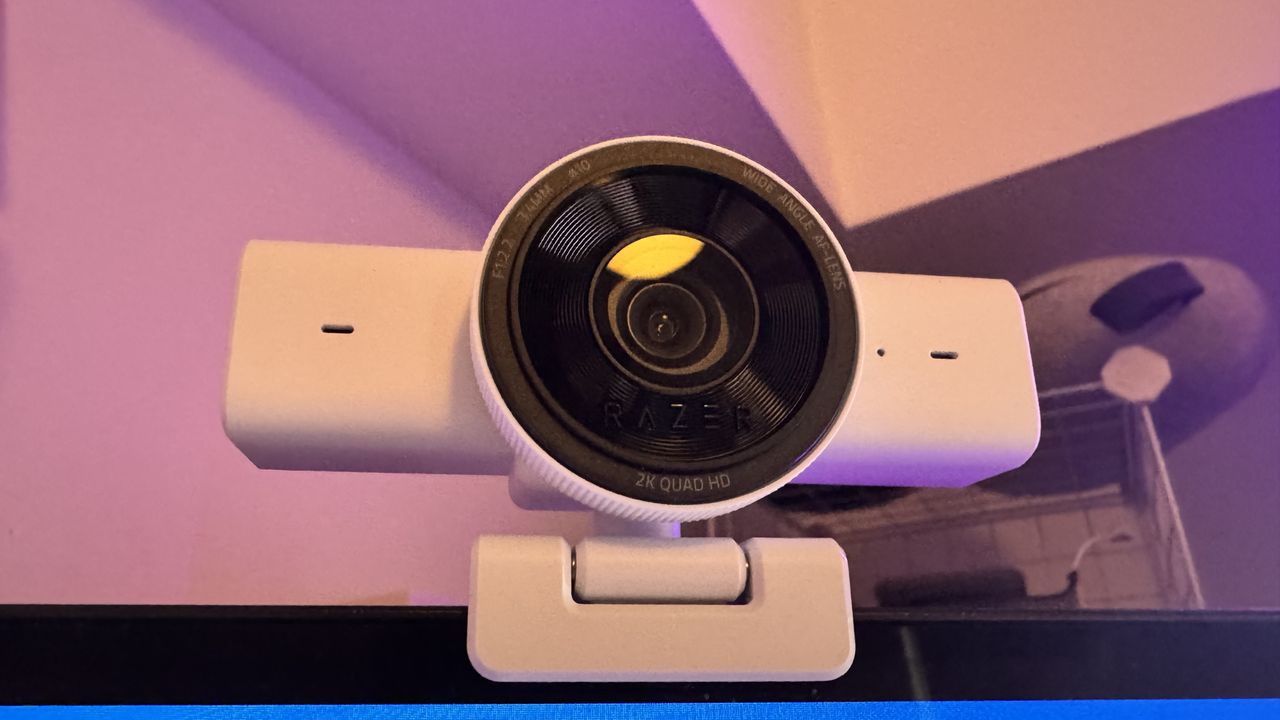
There's a good argument to be made that 1440p webcams are almost as niche as 4K ones. A webcam has a specific purpose (fitting on your monitor and letting your meeting participants/gamer buddies see you), and if you end up paying enough, it almost just makes sense to go for something dedicated instead.
At least with the $150-$200 range of webcams, like the Yololiv YoloCam S3 or Obsbot Tiny 3 Lite, you could feasibly use it for a video, should you want to. However, for me, many 1440p webcams are too expensive to just use for a Zoom call, and not quite good enough quality for the higher price point.
Razer's Kiyo all-white V2 X certainly looks nice, but at $100, it is practically competing with the budget end of the 4K market (like the Obsbot Meet 2), so it needs to offer quite a lot to justify its price tag.
Given the Kiyo line has traditionally been good in low light, I thought that would be worth testing. The first Kiyo model comes with a built-in ring light, and the Kiyo Pro comes with a light sensor that really stood out when it was released in 2021. The V2 X, on the other hand, performs pretty poorly.
Razer Kiyo V2 X specs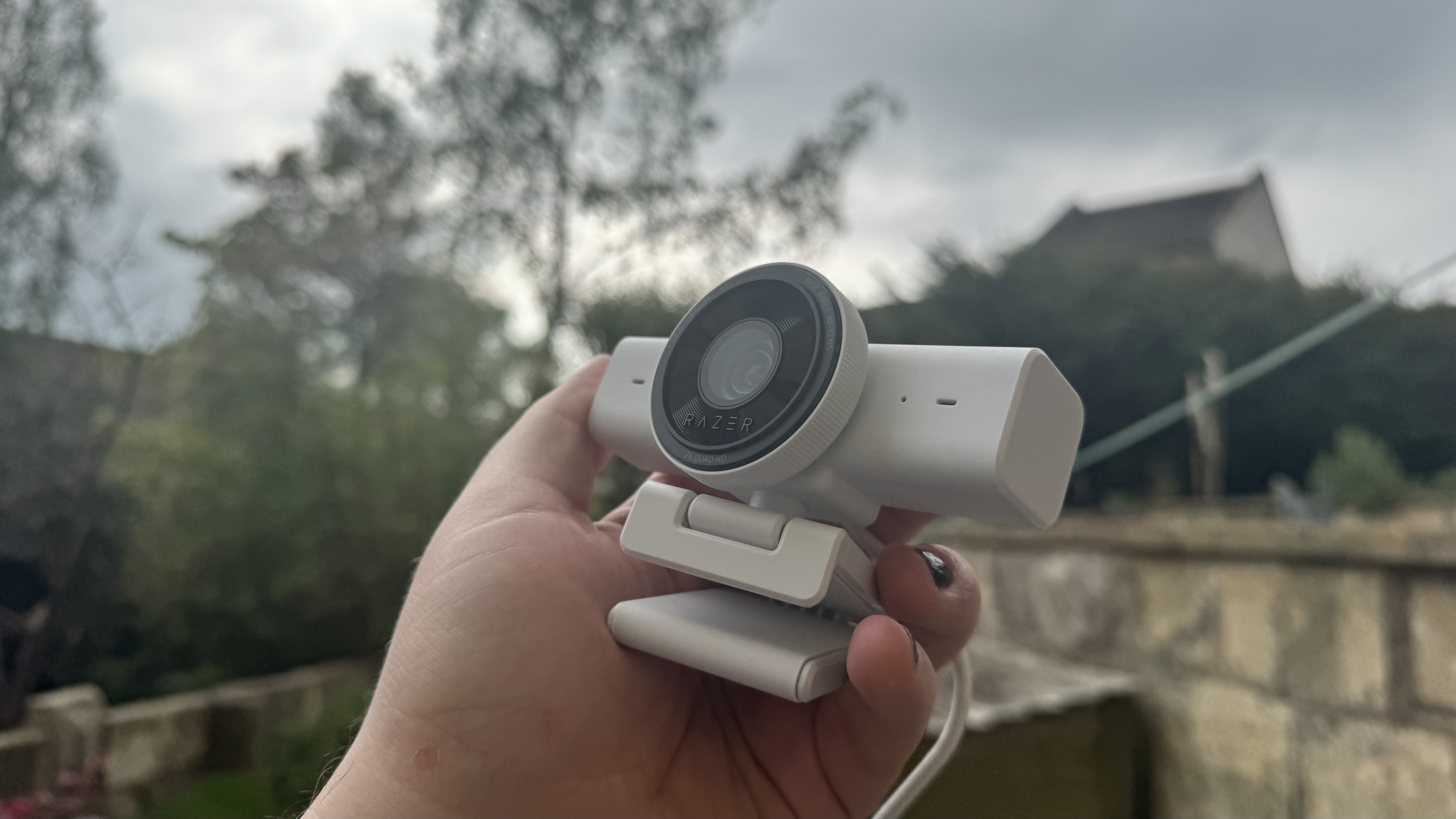
Resolution: 1440p at 60 fps / 1080p at 60 fps
Diagonal field of view: 80°
Sensor: 3.7 MP sensor
Connection: USB Type-A
Microphone: Omni-directional microphone
Dimensions: 67 x 67.8 x 109 mm
Weight: 160 g
Price: $100 | £100
Low-light environments get a lot of visual noise, and the autofocus struggles here, too. I noticed it regularly having to readjust, which isn't a major problem given it does so relatively quickly, but it still lets down the experience somewhat.
To tackle some of the Kiyo V2 X's problems, you can use Razer's Synapse software. You can manually adjust brightness, though this isn't much different from a filter, and you can turn off the auto focus. Turning this off, though, does mean manually changing focus, which offers its own set of problems.
If you would like to adjust your webcam via Synapse, it does wrangle control from whatever other software the webcam is currently active in, which means you can't adjust settings on the fly whilst in a meeting.
Its aggressive autofocus is perhaps the most troubling part of using the V2 X. I noticed it pretty badly whilst holding a guitar, game controller near my chest, and whilst fidgeting in a meeting—if you are likely to move, it is likely to readjust with you.

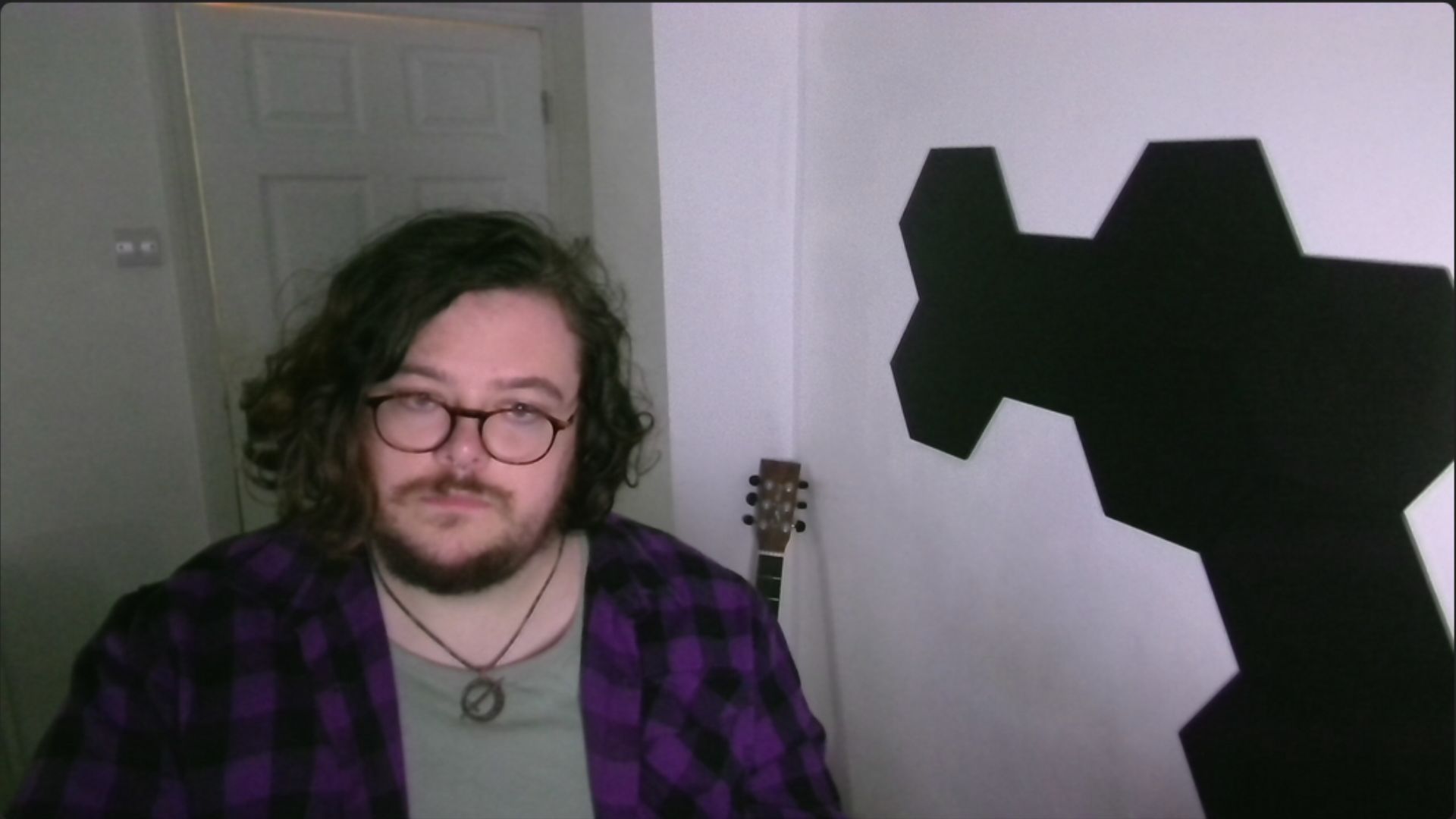

Outside of this, I would say the camera's quality is solid. For a quick meeting, I certainly wouldn't complain, and at the top of a screen for a stream, its wide-angle lens offers a decent view of your space. For its price point, I think its quality is around the middle.
It's a very easy webcam to set up, with it not needing Razer's own software to get working. The V2 X has an integrated USB Type-A cable, which does mean having to lug the cable around, connected to the webcam, should you want to throw it in a backpack. Personally, I don't like connected cables as it introduces another point of failure to a piece of hardware. If the cable breaks for any reason (cat bites it, for example), you have to replace the entire webcam, rather than just the cable (and maybe the cat too).
One unique quirk of it being a 1440p webcam, specifically, is that it offers better 1440p capture than many 4K webcams, in regard to frames per second. You're getting 60 fps here, where you tend to get 30 fps from others (assuming they even offer 1440p capture). If you, for whatever reason, are specifically looking for 1440p, I can see the argument for the V2 X.
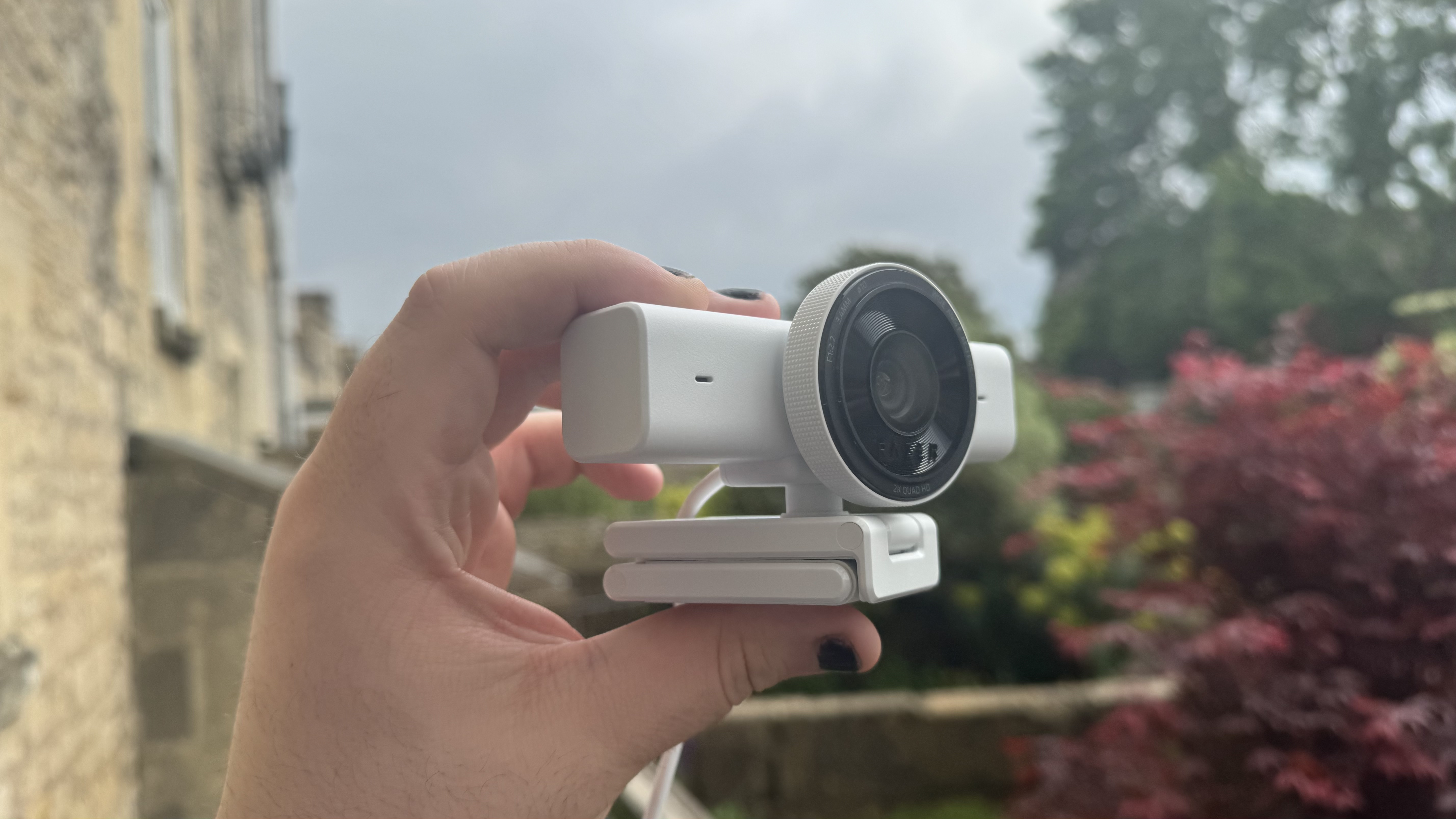
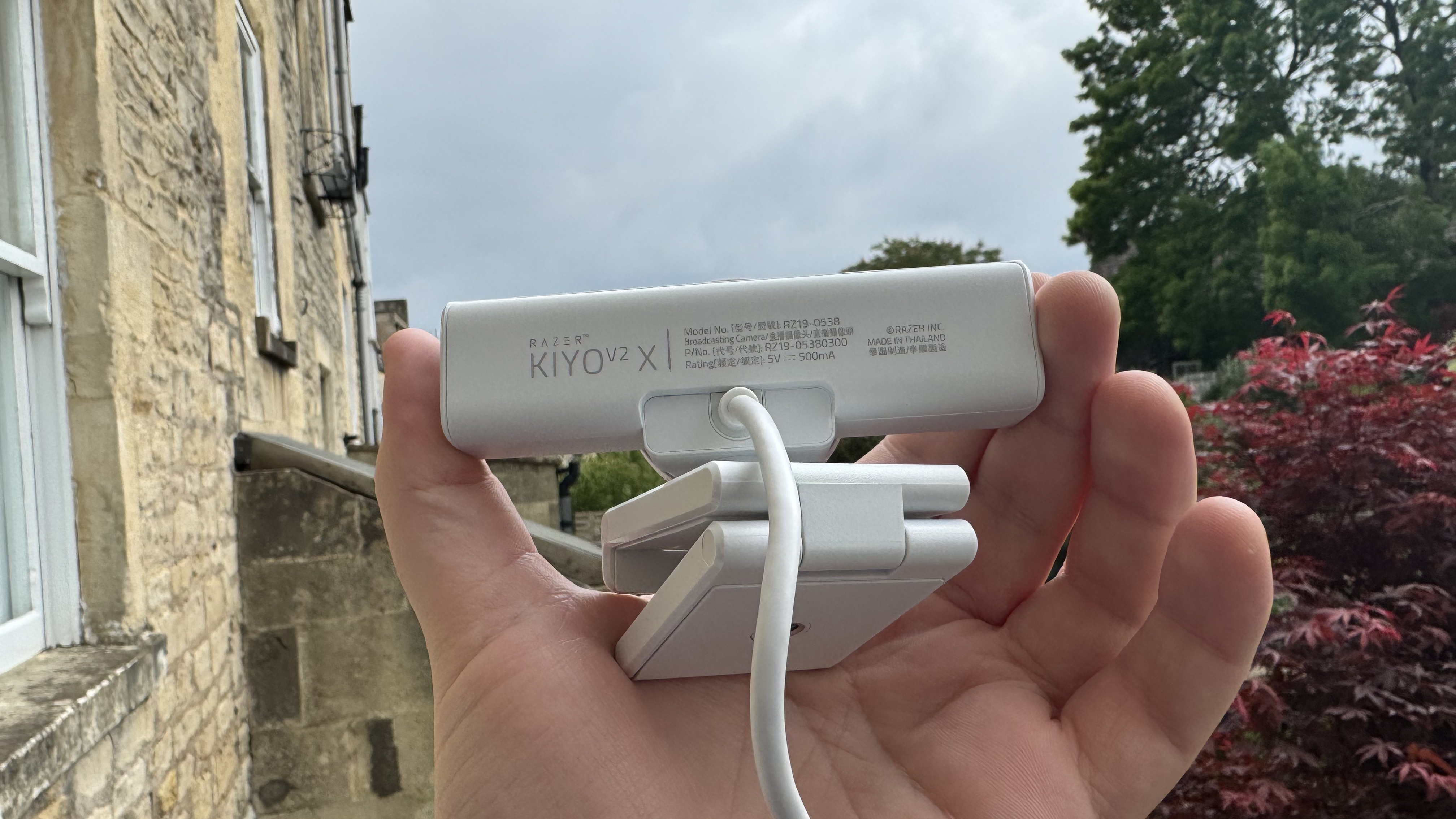
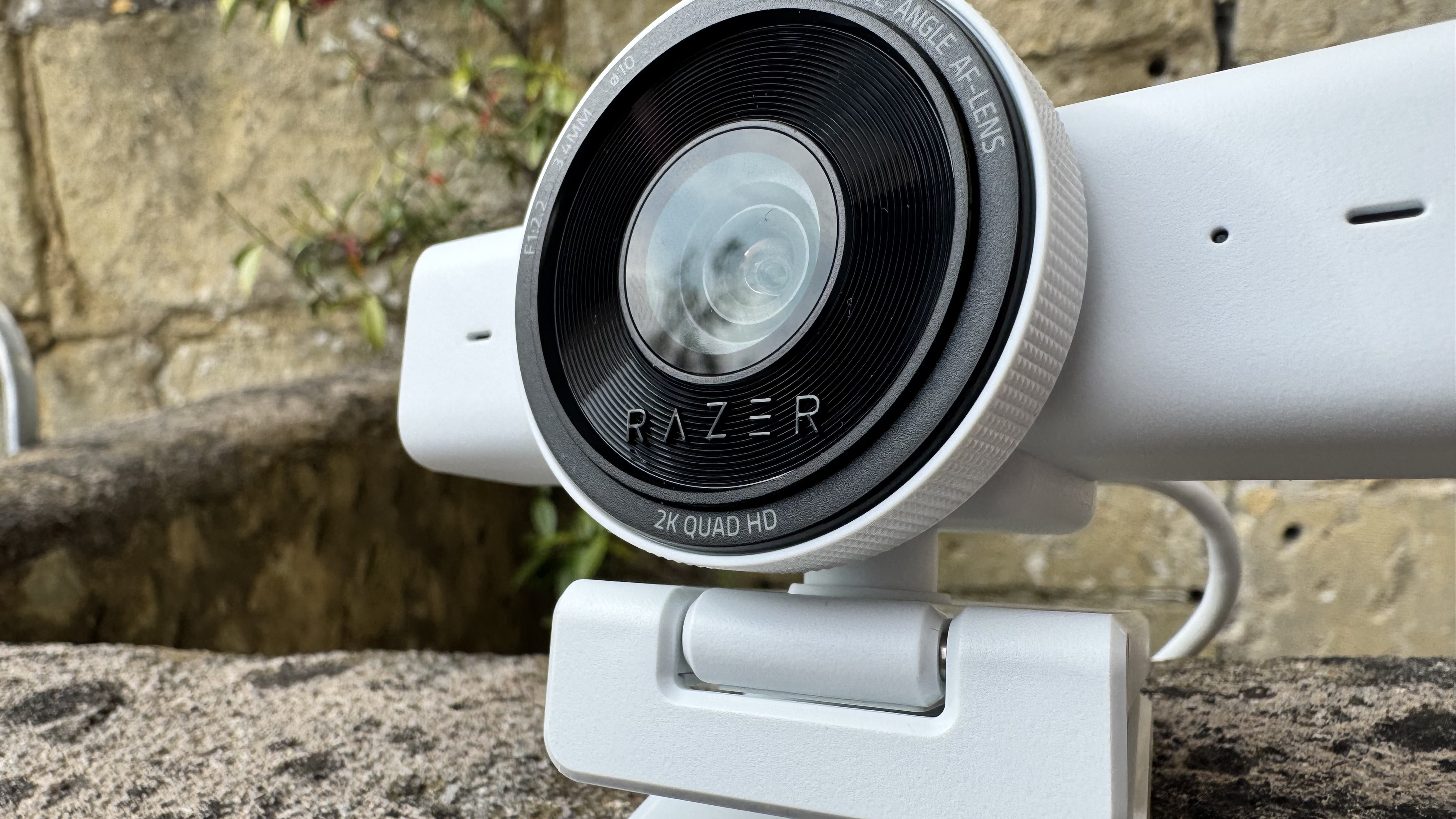
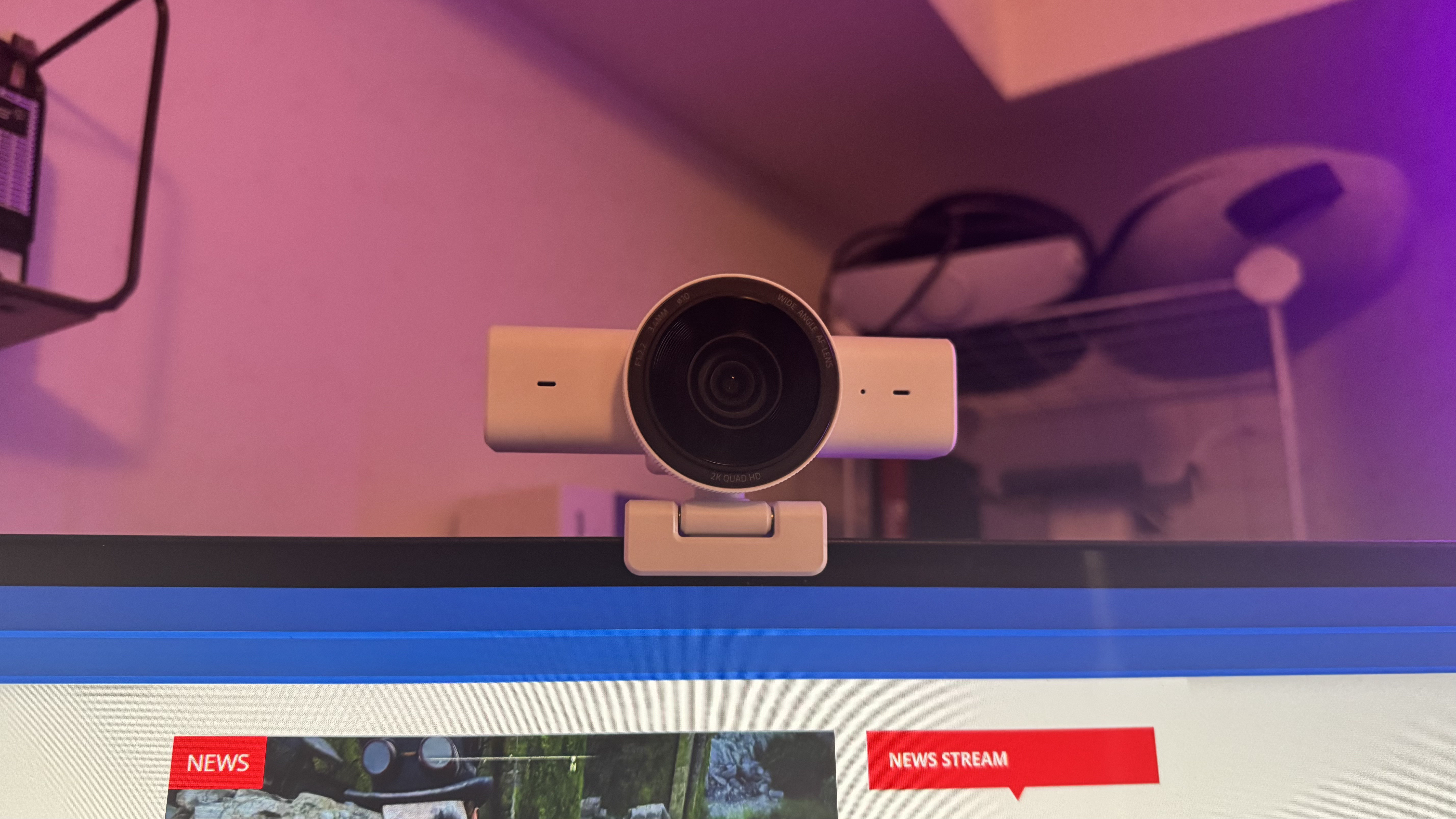
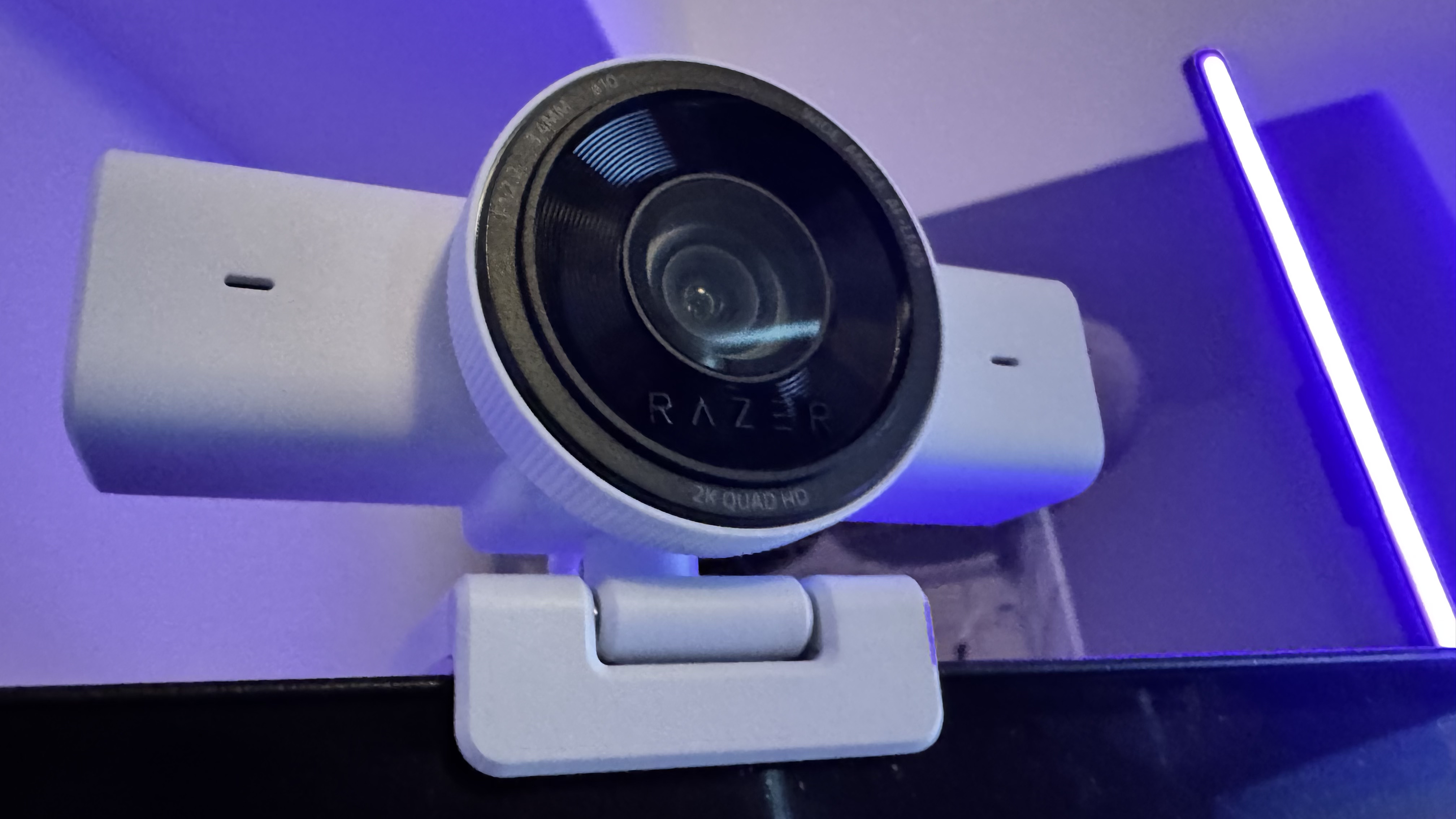
It's pretty tidy in a lot of ways, too. It clips onto monitors easily with its built-in stand, it looks great, and it even has a physical privacy shutter that you can activate by simply spinning the front of the webcam. The stand is strong enough for it not to shake when opening the privacy shutter, though the same can't be said for my monitor.
The V2 X is missing any HDR support, which is a shame as its low-light capture could certainly benefit from it. I also notice a little washing out in high-light environments (near a window, for example), though that's not particularly uncommon for a webcam.
It does come with a built-in microphone that sits just shy of the middle of the pack, quality-wise. It has little treatment or noise cancellation, so it can be a tad noisy in the wrong environment. It's certainly fine for a meeting, though, which is what you would want an integrated microphone for.
Buy if…✅ You want 60 fps 1440p capture: Because of the V2 X's focus on 1440p, it offers 60 fps capture at this resolution, when even the more expensive Kiyo V2 doesn't.
Don't buy if…❌ You can hold out for a sale: You can get better 4K offerings at the Kiyo V2 X's price point with just a little patience, and many of them offer better low-light performance or a stronger autofocus.
I think the price is ultimately my biggest hang-up here. The OBSBot Meet 2 is $30 more, though it regularly goes down to the Kiyo V2 X's price, and it offers stronger capture, a better autofocus, and a much cuter look. The Meet 2's weak stand does let it down, but threading on the bottom and no integrated USB cable make it easy to fit it into any setup.
This is before mentioning the likes of the Emeet Pixy, which is a 4K camera with a Sony sensor that sits on a gimbal, allowing it to track you around a room. I'm surprised to see that this nearly constantly sits around and below the Kiyo V2 X's price point. If I were in the market for a new webcam, I'd struggle to come up with many reasons at all to pick the Kiyo V2 X instead.
The Razer Kiyo V2 X, to me, feels like a webcam that would have launched a few years ago. It's certainly not actively bad in almost any way; it looks pretty good, it offers most of the basic essentials you would need from something to sit in a meeting or throw at the top of a stream. But $100 in the year of our lord 2026 can get you plenty of excellent webcam options, and the Kiyo V2 X is not interesting enough, not quality enough, and not cheap enough to beat them out.
Схожі новини

Чи можна збільшити пенсію, якщо продовжити працювати

Як зібратися на тиждень із ручною поклажею: прості лайфхаки від стилістки

Посадіть ці рослини поруч з перцем: вони захистять його від шкідників
