Rather than stressing about Steam Machine performance, I'd start thinking about your TV's specs
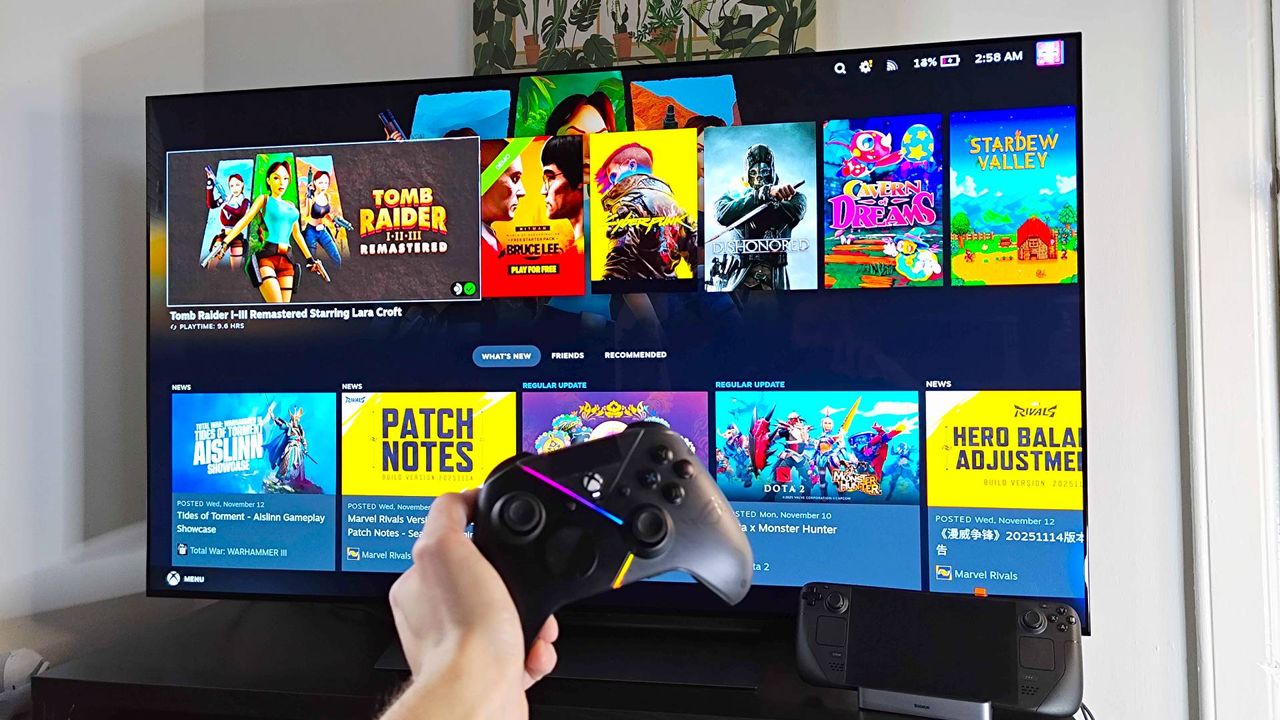
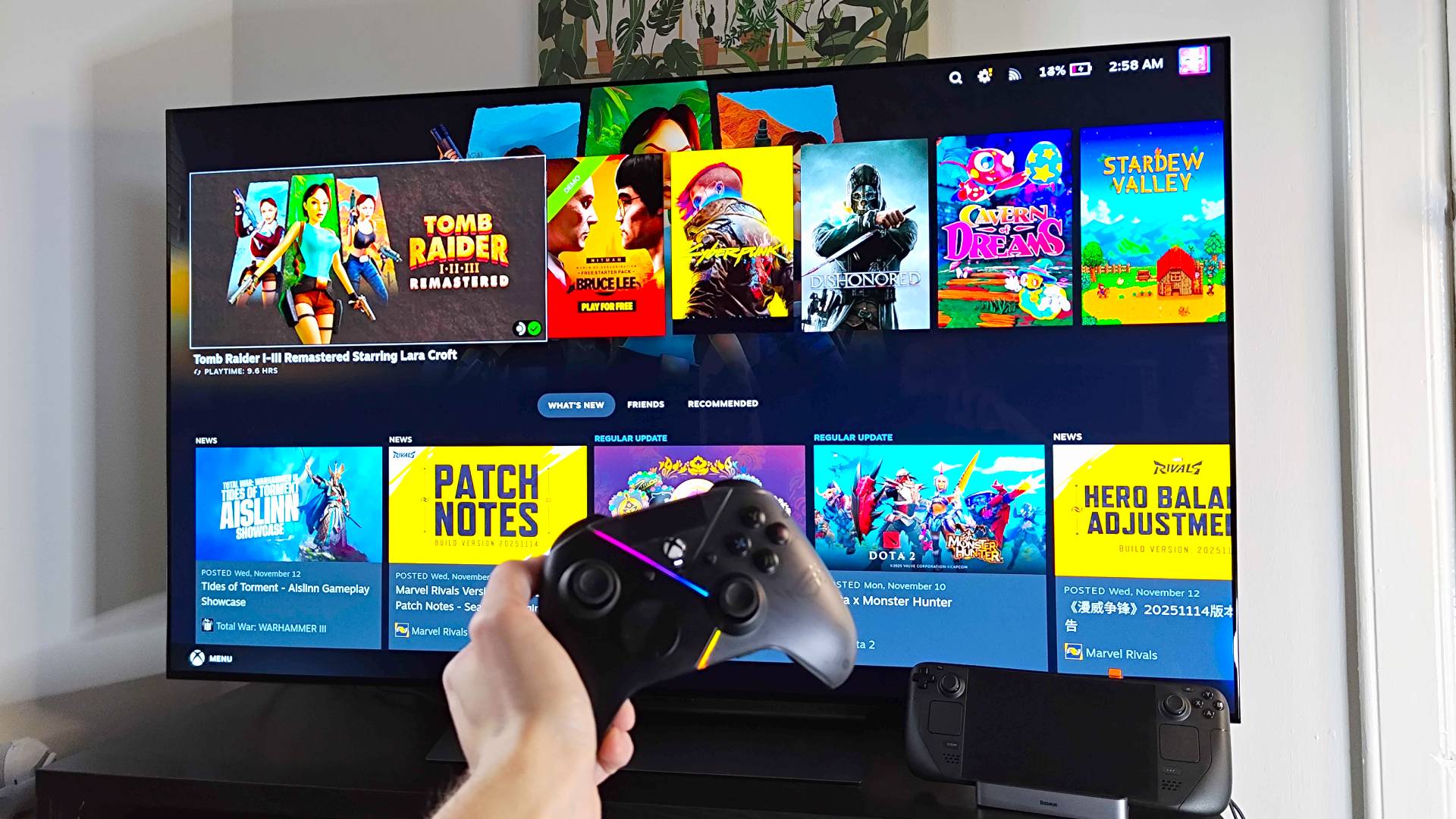
We've still not got a Steam Machine release date, and the wait time means PC players will be ruminating over the tiny rig's specs. Fears over whether the system will actually deliver on its 4K 60fps promise could have you pondering whether to pass on an eventual pre-order, but I firmly believe now is the time to actually think about your TV setup.
Naturally, picking up a new gaming TV ahead of the Steam Machine launch only applies if you're using it like a console. If you plan on being perched at a desk, you're naturally better off looking at smaller gaming monitors. That said, the line between PC screens and living room displays these days is pretty fine, and if you haven't updated the latter in a while, your panel might not pair that well with Valve's compact computer.
If TV specs haven't crossed your mind lately, there are a few elements I want you to consider if you're grabbing a Steam Machine. The good news is that even if you have neglected your setup for a while, there's still a chance you won't have to upgrade anything, but my aim is to make you aware of features that will make a difference.
Latest Videos From
Vibrant visuals will help Valve's box
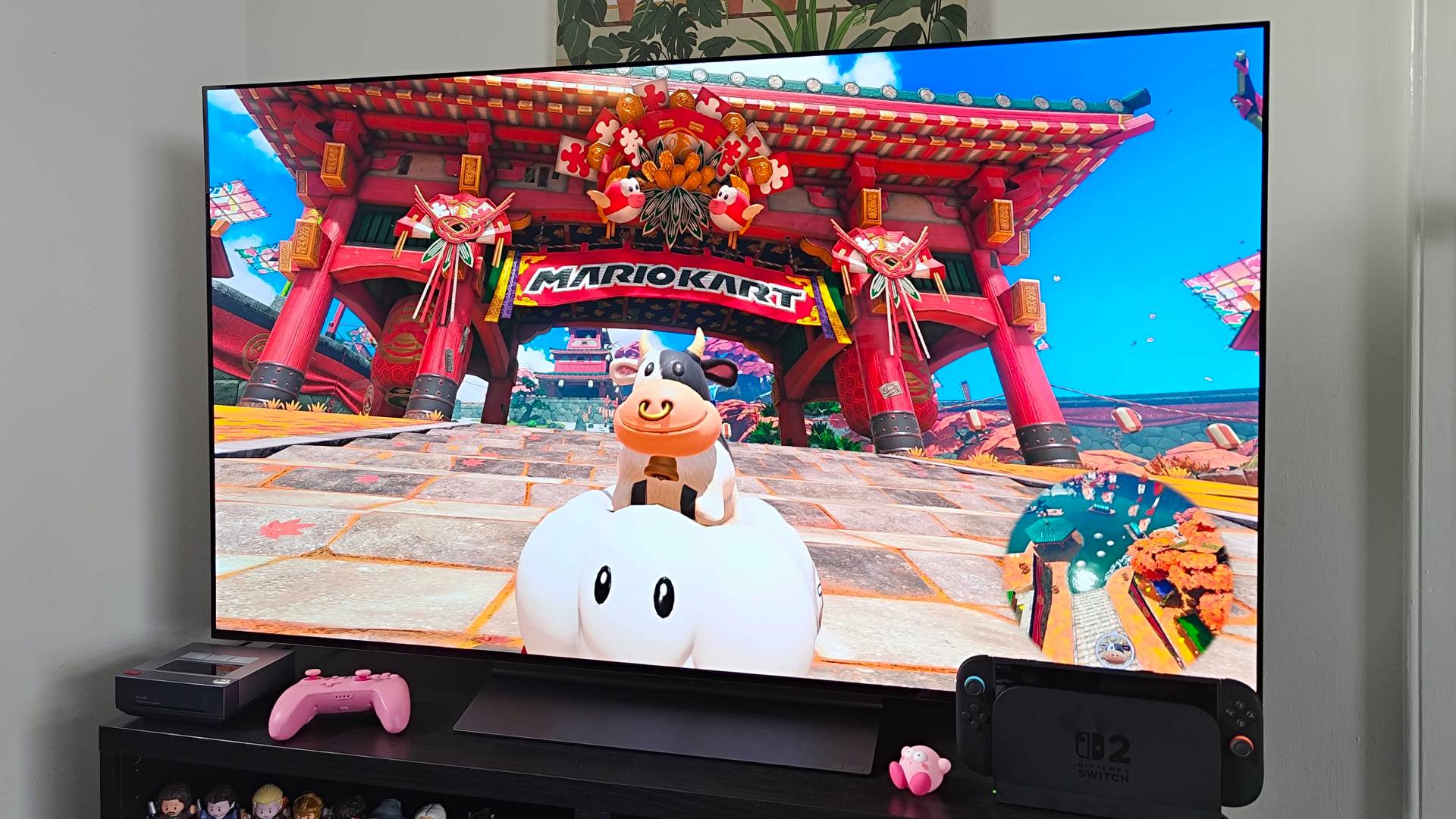
This isn't exclusive to the Steam Machine, as embracing modern panel tech can make almost any console look good. That's largely thanks to enhanced vibrancy, color depth, and black levels compared to older LCD displays, and the difference between the latest mini LED and OLED models versus an LED screen from 10 years ago is massive.
Last year, I decided to upgrade my 2017 LCD display to an LG OLED C4 specifically for the Switch 2 launch. That decision honestly resulted in even my OG Switch looking like a new system thanks to the vivid colors and brightness, and I fully believe I would have been less impressed with Ninty's latest gaming handheld in docked mode if I stuck with my old display.
Yes, this sounds like a big "duh" moment, but it's far too easy to get used to your TV's visuals and assume it's your system of choice that looks "old". In reality, you can hook up even an aging console like the Xbox 360 to OLED TVs and make the hardware feel far newer than it actually is, and it's that visual boost that will help showcase the graphical benefits of Valve's PC hardware, even if you find yourself dropping back to 1440p or 1080p to boost fps.
Refresh rates matter, but Linux HDMI 2.1 compatibility is finniky
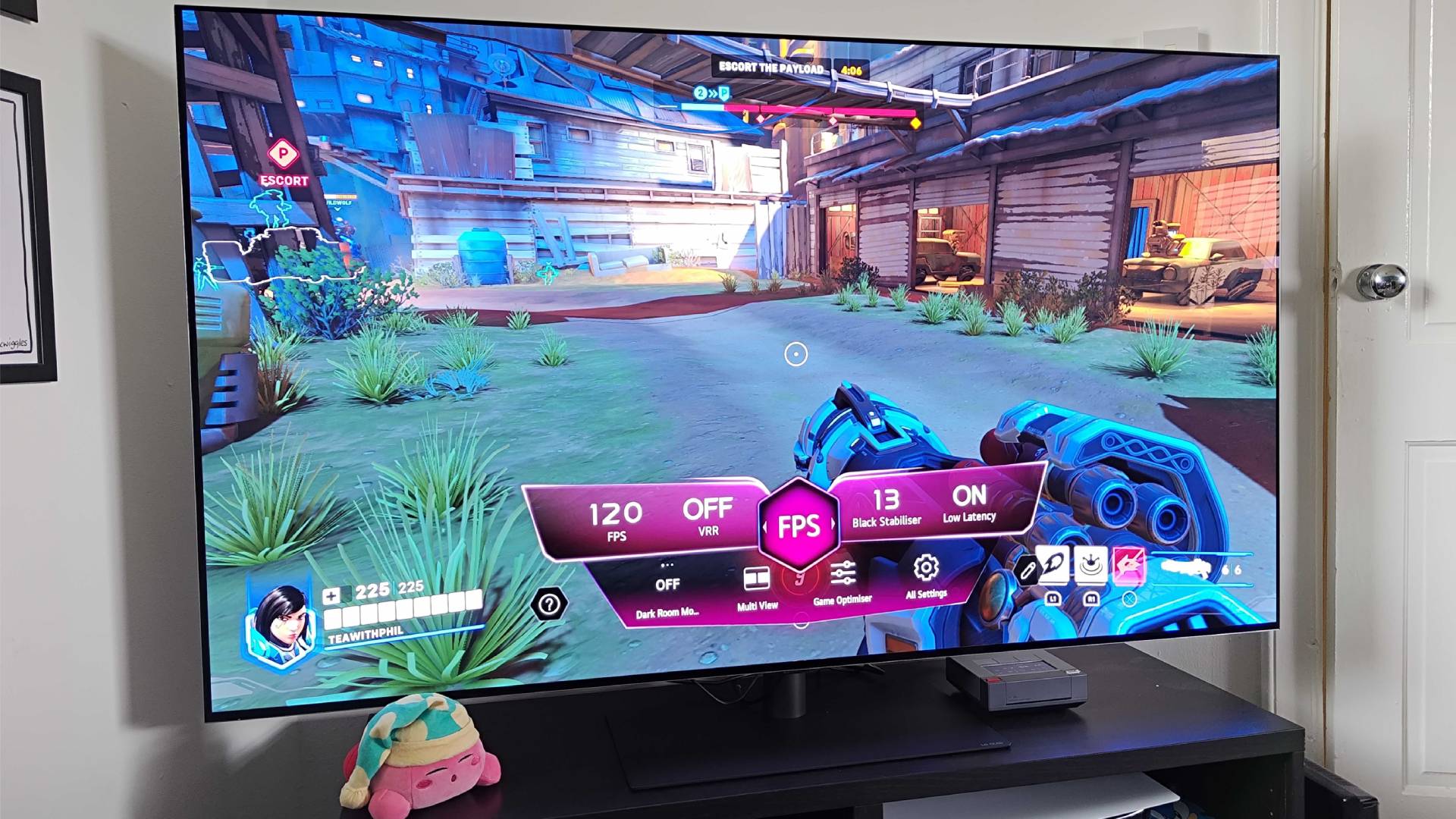
My one-liner when it comes to TVs for the Steam Machine is that high refresh rate screens matter. Prior to the current console generation, 60Hz was the norm for the living room, but I'd argue that 4K 120Hz is now a standard.
Sign up to the GamesRadar+ NewsletterIf you haven't refreshed your TV setup in a while, chances are you're still using a 60Hz display. While that technically marries up with Valve's 4K Steam Machine performance expectations for new games, there are likely plenty of classics and indies in your library that will take full advantage of faster refresh rates, and that will help the box feel a step above conventional consoles.
Even if you're only interested in the latest releases, we're still talking about a PC with access to all the usual settings dials. Simply put, you're always free to try and boost fps to match faster refresh rates through dialling back resolution and effects. If you feel like that's your jam, I'd actually explore 144Hz or even 165Hz screens, but there is a catch when using HDMI.
The core issue ties back to HDMI 2.1, the protocol that allows for 4K 120Hz using the port. Licencing requirements effectively prevent full open-source driver implementations, and since the Steam Machine uses the Linux-based SteamOS and AMD drivers, code for the full-fat protocol was prohibited.
The solution? Well, to get around making the HDMI Forum's Fixed Rate Link (FRL) code open-source, independent engineers have developed a reverse-engineered alternative that doesn't break licensing rules. As a result, Linux patches are underway to enable full HDMI 2.1. At the moment, native support for features like VRR (Variable Refresh Rate) is still in the oven, but using a DisplayPort to HDMI adapter could serve as a workaround once the Steam Machine lands.
My point is that high refresh rate gaming will help the Steam Machine shine, but fully embracing your TV's speeds over HDMI is complicated right now. Hopefully, we'll get to a stage where Linux AMD GPU support is solid, as that will simply tap into HDMI 2.1 using conventional screens. If you'd rather stick with DisplayPort 1.4, though, you might want to check out a model like the Hisense U8Q, as the mini LED screen has support for the protocol via USB-C that may help you dodge the current caveats of HDMI and enjoy up to 4K 165Hz.
Look out for AMD FreeSync support
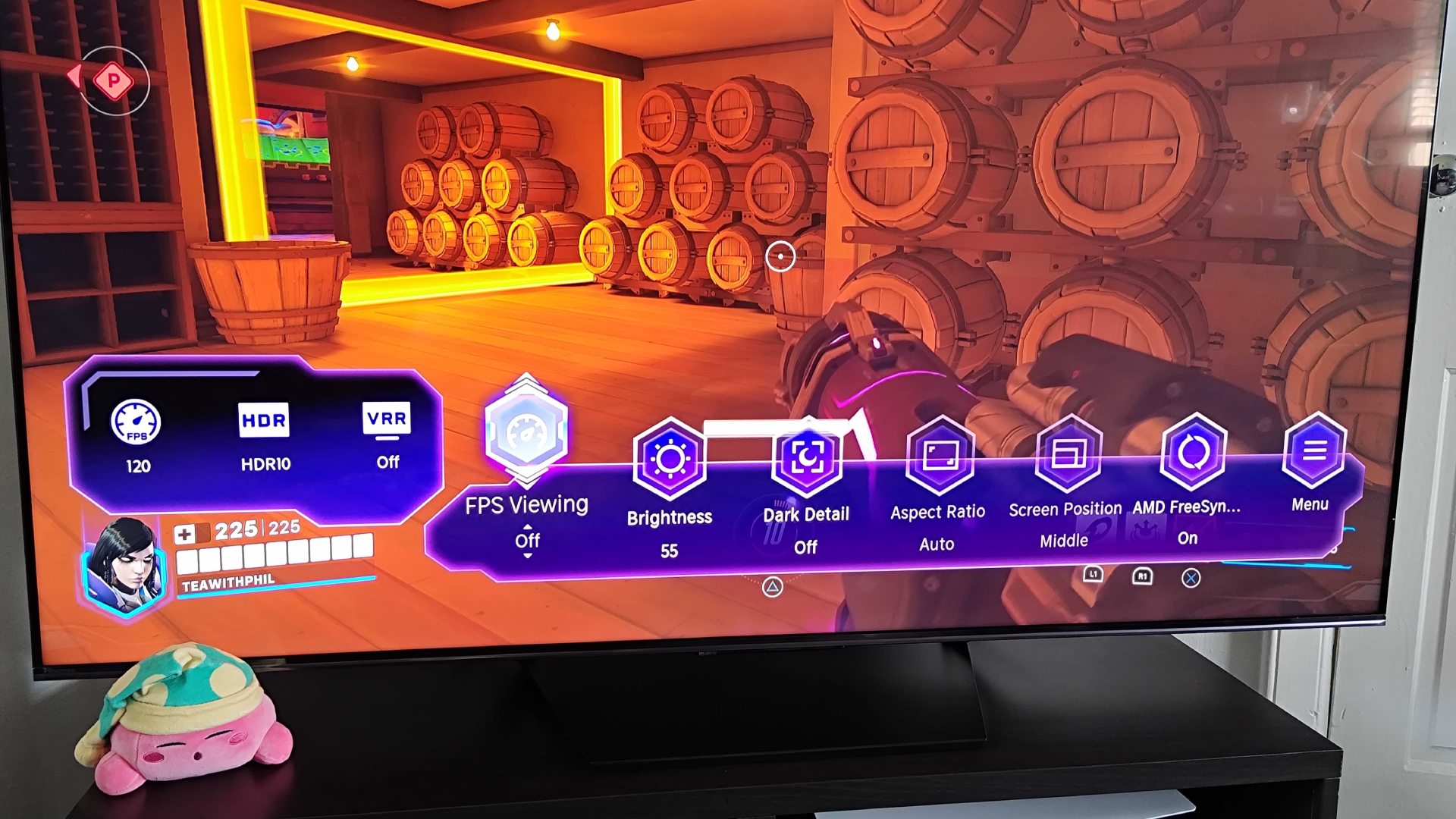
Okay, here's where looking for a Steam Machine TV starts to really feel like monitor shopping. Believe it or not, many screens now support AMD's FreeSync technology that tackles screen tearing and stutters, two things that can plague a big screen TV experience. These are blights you're less likely to notice when using a PS5, Xbox, or Switch 2 since frame rates are normally capped and VRR is baked in at a system level, whereas the uncapped nature of rigs naturally comes with those caveats.
Thankfully, it's not hard or necessaily experience to find TVs with AMD FreeSync. Sure, the premium panels like LG's OLED C and G series screens, alongside Samsung's Neo QLEDs, come with the tech included, but Hisense also has models like the 55U65QF that come in at $379.99 and boast FreeSync Premium Pro.
I have tested various LG, Samsung, and Hisense screens with AMD FreeSync, and an OLED C4 sits at the centre of my setup. The tech works identically across all brands, though, so while I settled on the latter panel for its vibrancy, it deals with the screen tearing in the same way as models under $400.
If you need something small, buy a monitor
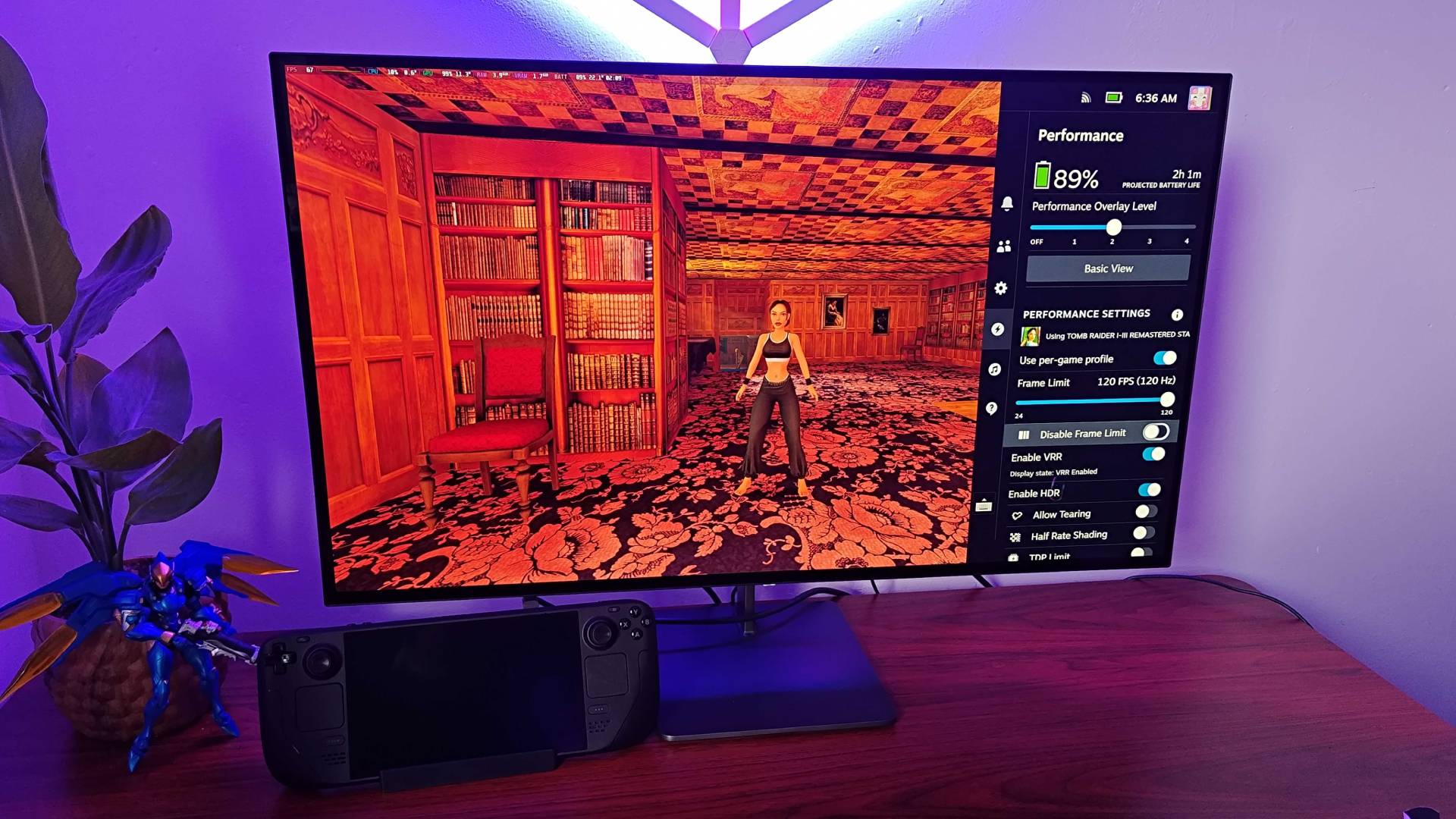
Look, I get it, being told to grab a monitor when you're trying to suss out the right TV for the Steam Machine sounds unhelpful. There are plenty of people who still have traditional "televisions" in their living room, especially if you still watch broadcasted networks or need banked-in streaming apps.
However, I really start to question the need for something branded as a "TV" for players who'll be using the Steam Machine for everything and need a panel for a smaller space. Yes, you can grab slightly smaller screens like the LG OLED C5 for $800, but if you're looking for smaller again, you'll find that most living room displays revert to cheaper LCD panels. Therefore, it makes sense to aim for a monitor if you need one under 40 inches, as you'll get perks like USB-C Power Delivery and PC-focused bells and whistles alongside better panel tech.
Looking for a small console screen? Swing by the best PS5 monitor for high-spec options.

Phil is the Hardware Editor at GamesRadar+ who specializes in retro console setups, choosing the latest gaming handhelds, and navigating the choppy seas of using modern-day PC hardware. In the past, they have covered everything from retro gaming history to the latest gaming news, in-depth features, and tech advice for publications like TechRadar, The Daily Star, the BBC, PCGamesN, and Den of Geek. In their spare time, they pour hours into fixing old consoles, modding Game Boys, exploring ways to get the most out of the Steam Deck, and blasting old CRT TV visuals into their eye sockets.
View MoreYou must confirm your public display name before commenting
Please logout and then login again, you will then be prompted to enter your display name.
Logout LATEST ARTICLES 1Jensen Ackles reveals what scene in The Boys season 5 made him walk off set
- 2Arc Raiders just knocked 2 million coins off the price of the new Expedition Vault slots
- 3How to find the Hakone Nanamagari Touge Race in Forza Horizon 6
- 4How to solve the Dining Room Fireplace puzzle in 007 First Light
- 5Should you choose the martial arts poster or the abstract painting in 007 First Light?
Схожі новини

One line in The Mandalorian and Grogu may have set up a heartbreaking Star Wars theory about Baby Yoda

Celebrate the Dragon Quest 40th Anniversary with my favorite merch from across the series
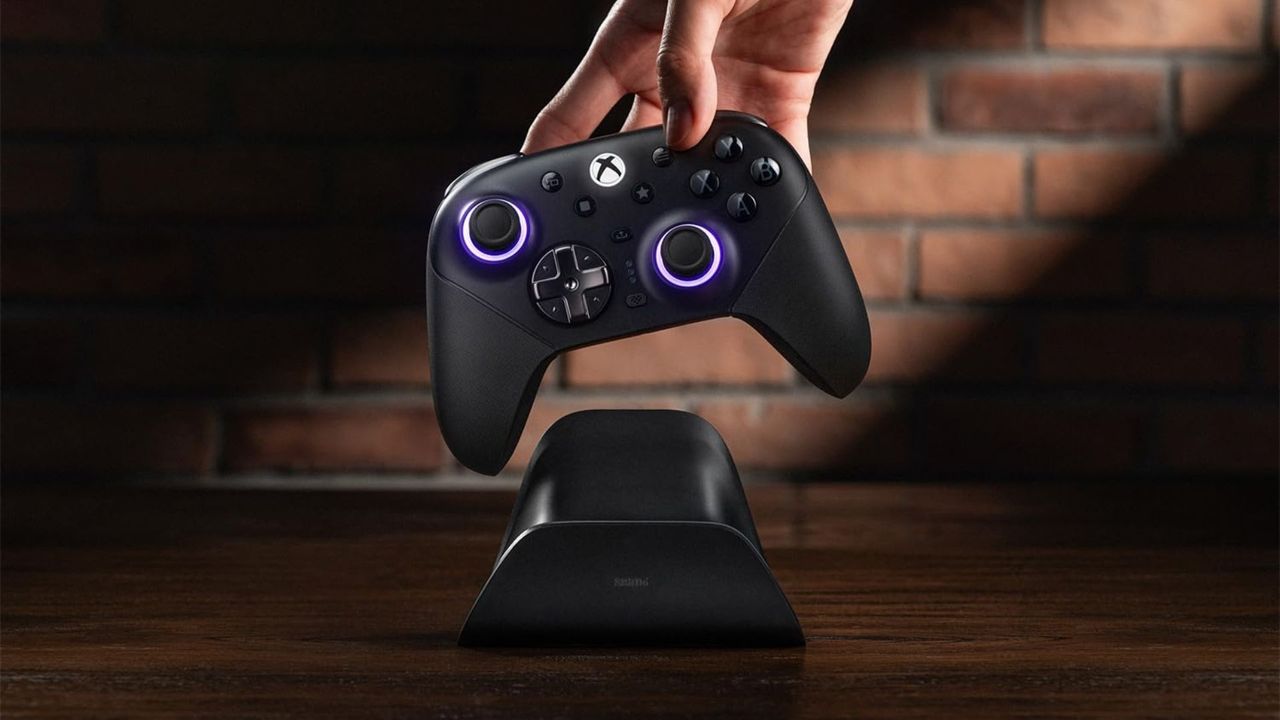
8BitDo opens up pre-orders for its new Ultimate 3E controller, which refines one of this brand's most beloved peripherals for Xbox players - just brace yourself for the price