Out of respect for Slippy Toad, I need you to play the OG Star Fox 64 on an actual N64
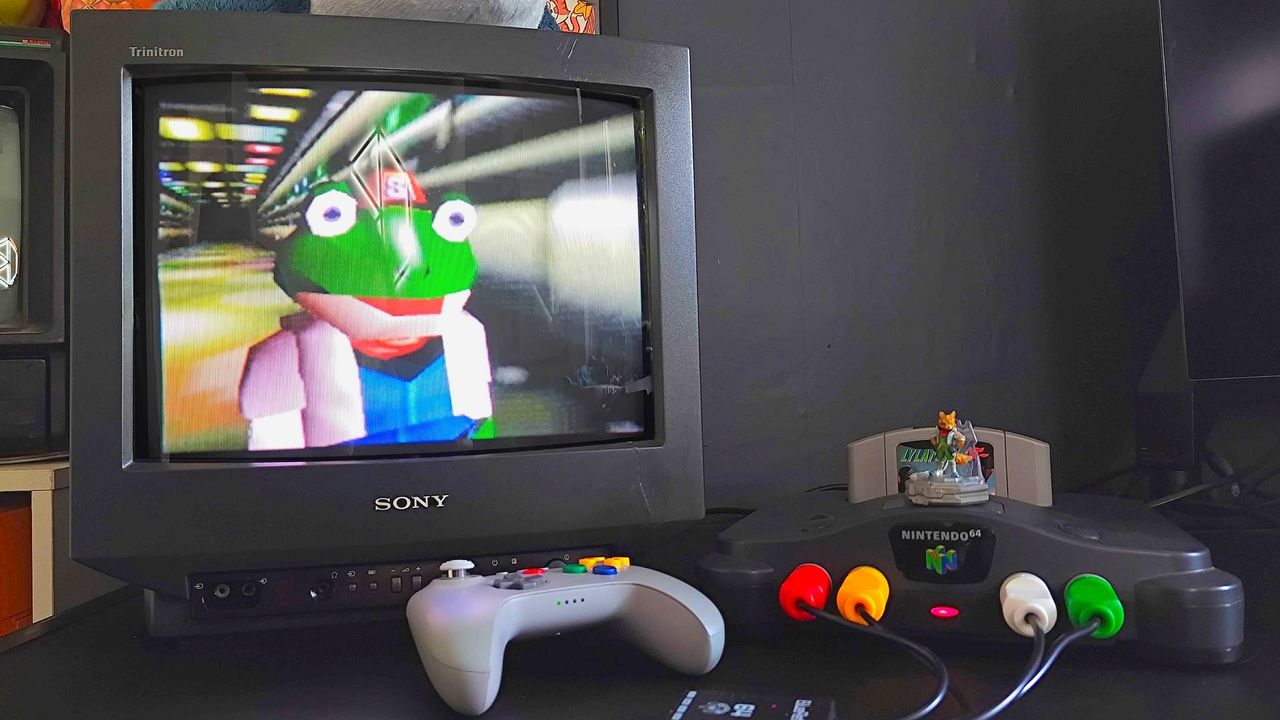
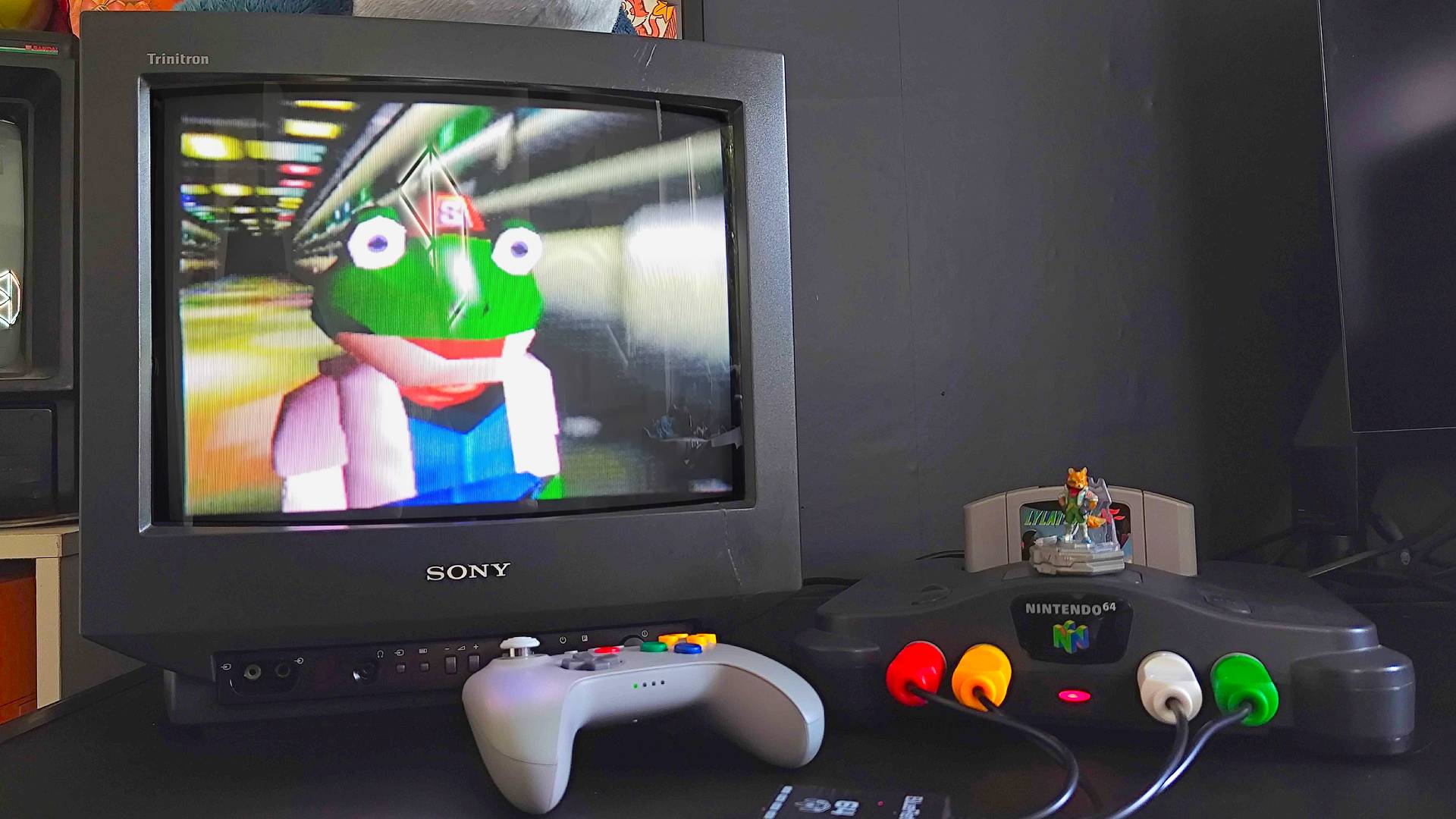
Okay, look, I get why everyone's excited for Star Fox on Switch 2. For the record, I'm hyped to jump back in an Arwing too, but unlike most other players, the original Star Fox 64, or Lylat Wars as it's known where I'm from, never left my household. Yes, my OG N64 has remained a part of my setup for over 30 years, and I don't think it's too late for you to try the '90s mission before the remake lands.
I'm a big believer in keeping all the best retro consoles from yesteryear alive, and that naturally includes the N64. Retaining access to original hardware means that when remakes of Star Fox happen, you'll have a 100% accurate representation of what the original on-rail shooter looks and feels like, even if that means being extra horrified at the new Slippy Toad.
Latest Videos From
Revisit the Lylat System on an OG setup
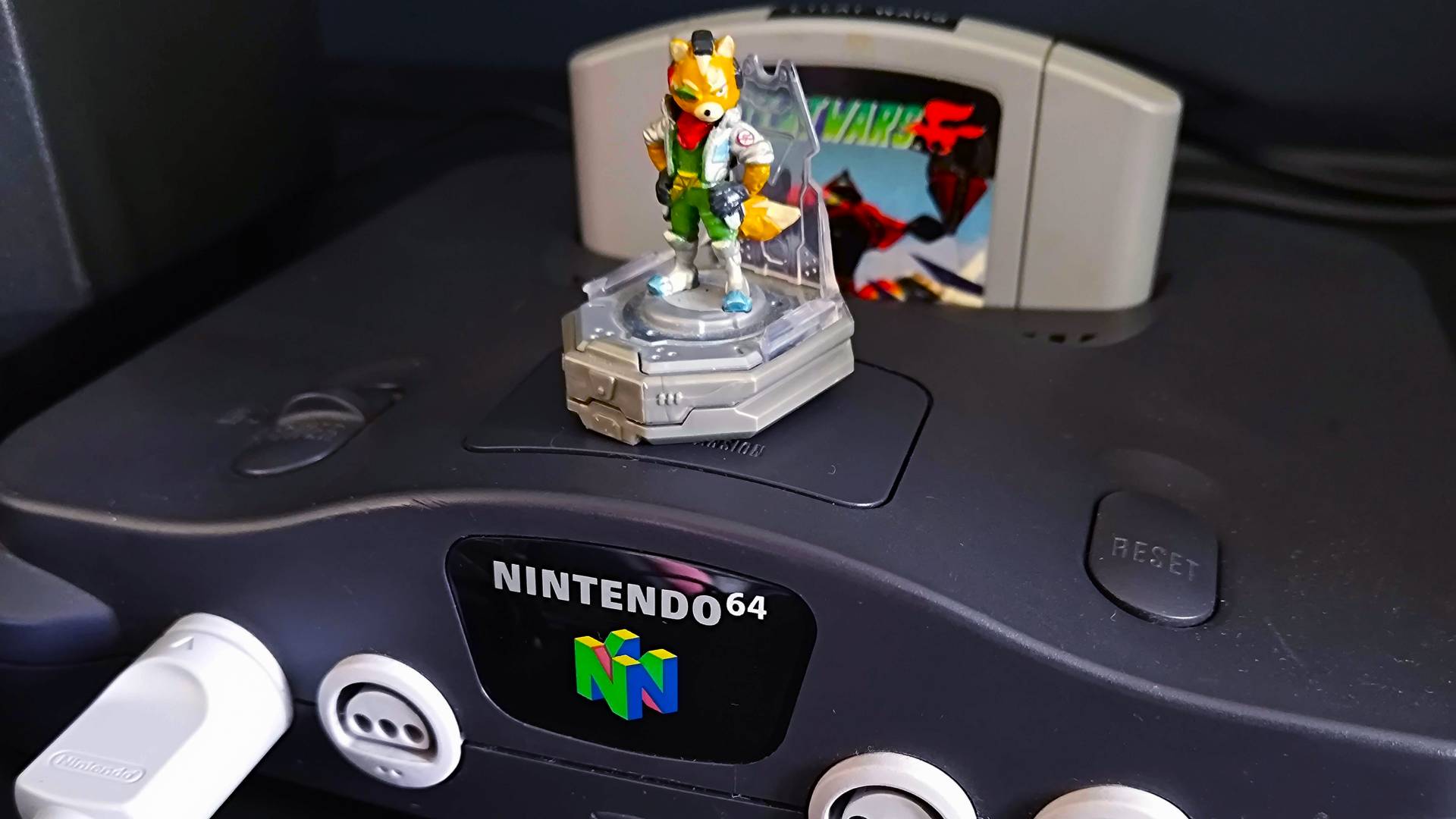
Let's just assume you're now itching to play Star Fox on an original Nintendo 64, and my devious plan is coming together. Shock horror, but the very first step is acquiring an N64, providing you don't have one stashed away in the attic. If not, you should be able to track one down without cables for under $70 at eBay, but I'd try to spend a little more for a bundle including the power supply.
That will ultimately save you from scrambling for a second-hand N64 PSU or a third-party option. I tend to avoid the latter in fear that they'll fail and mess up my 30-year-old baby, but if you're braver than me, there are swanky new USB-C options for around $18 at Aliexpress that I'll end up trying at some point.
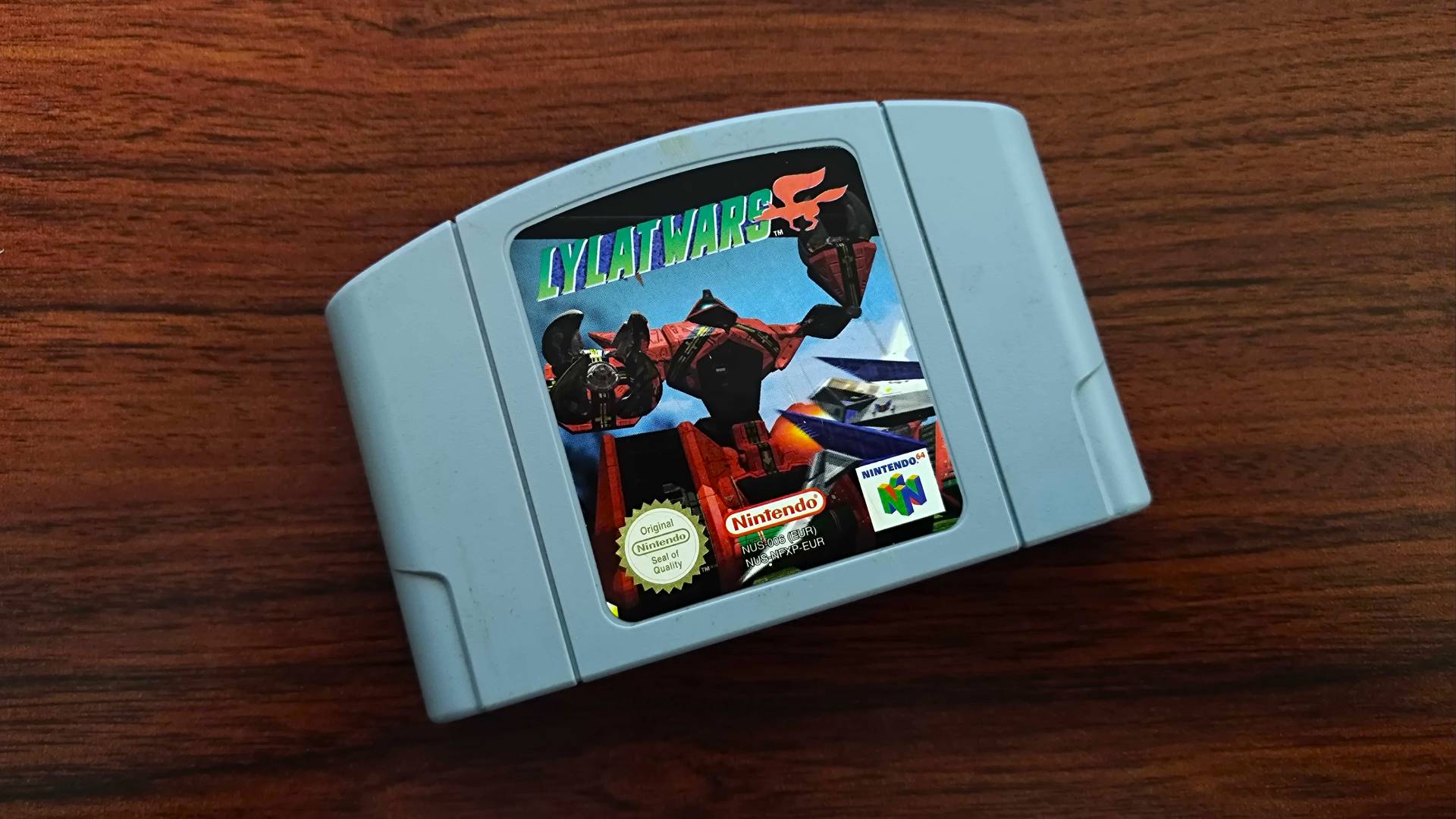
As for Star Fox 64 itself, you're looking at around $25 for a cartridge second-hand, or under £10 for a PAL copy of Lylat Wars. Boxed copies in nice condition will naturally run you a lot more, but if you're not into lining up cardboard boxes on a shelf, just the cart will do.
Securing an N64 and the game is half the battle, as the bigger challenge is working out how to connect your retro console to a modern TV or monitor. I've covered that in depth already for those of you using a display that wasn't around in the '90s, but the skinny is that unless you're using an old CRT TV with old school RCA composite (the yellow, red, and white suckers) or S-Video, you're going to need something that'll convert your cables to HDMI.
Sign up to the GamesRadar+ NewsletterAs someone who specializes in using retro consoles in the modern age, the N64 is a bit of a nuisance. That's thanks to Nintendo only including composite or S-Video with its first 3D system, meaning you'll get an inferior, slightly blurry image compared to clean RGB (red, blue, and green). The knock-on effect is that when you use cheaper upscalers, like many HDMI adapters for around $20 at Amazon, you'll be scaling up an already muddier image to 1080p.
Some of you might not care about sharpness when diving into old N64 games on the actual console. If that's the case, those adapters are the simplest way to get up and running on a new panel, but perfectionists will recommend looking into enabling RGB on your console (using a Tim Worthington board) or even HDMI modding the console for cleaner output.
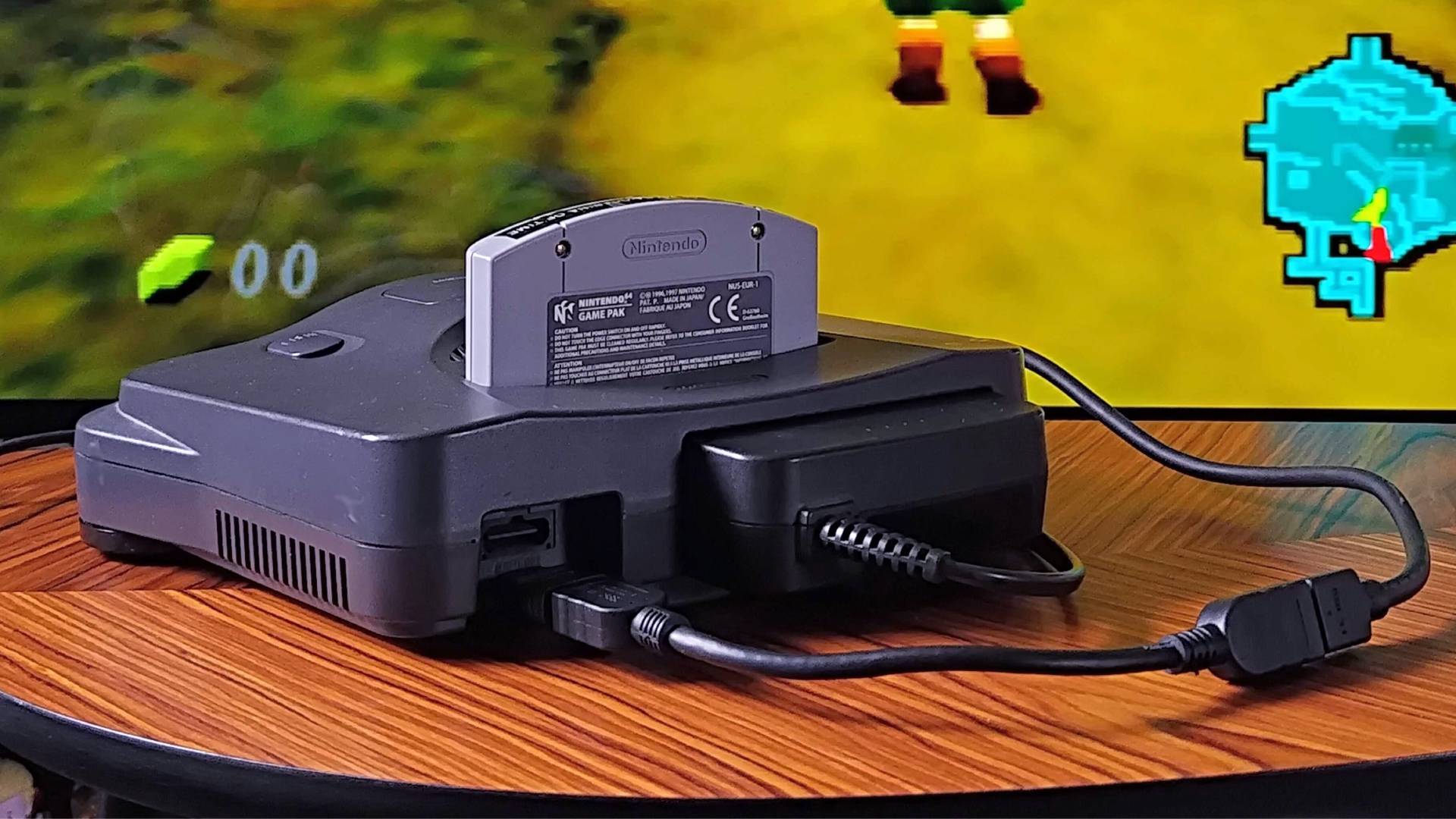
I've already HDMI modded my N64, so you don't have to, and the results are pretty respectable. I wouldn't remotely recommend the project to novices since it involves some scary soldering, but Highspeedio's custom board does pull a nice image straight from the PPU (Picture Processing Unit) that's free from the Vaseline look of composite.
What I will say is that the results aren't perfect, and you'll be capped at 720p with the cheaper mod I used. There's a far more expensive "Ultra HDMI" kit that will set you back $200 that can do 1080p, and a straight RGB mod will let you use upscalers like the OSSC without having to convert composite/s-video first. Believe me when I say the latter is a faff, but it's easy to see why FPGA, 4K-capable remakes like the Analogue 3D exist, given the nature of the OG console.
If you are really into the N64, I wouldn't blame you for picking up a 3D for $269.99. Sure, it's not technically original hardware, but it's the most accurate system you could play on not made by Nintendo, plus there are lots of nice CRT filters that make games like Star Fox 64 look right. Again, though, if you're not a pixel perfectionist, cheap upscalers and the aforementioned HDMI mod will serve you pretty well, and I've played Lylat Wars on all three with no catastrophies.
Controllers and accessories for fighting Andross
You won't be taking the fight to Andross in your Arwing without a controller, so that's the last mandatory step before entering the Lylat System. The number of new gamepads out there for what is a near 30-year-old console is pretty bananas, and I've tested just about every option available.
If you decide to keep things ultra authentic with the original, wired N64 controller, I need to heed some warnings. The first is that the old optical-mechanical joystick in most OG pads is going to feel crunchy, which is going to make Fox McCloud's flying skills feel sketchy. Thankfully, replacement modules are easy to fit, and if you'd rather use something more contemporary, I can confirm that hall-effect thumbstick mods by the likes of Hyperkin feel pretty accurate.
The appropriately spaceship-shaped N64 controller is charming, but I know for a fact some of you will struggle to get to grips with its weird trident handles. It's for that very reason that I end up recommending the shiny new 8Bitdo N64 controller instead, as it takes the exact layout of Ninty's pad and plops it on a modern, Switch Pro Controller shell.
Image 1 of 4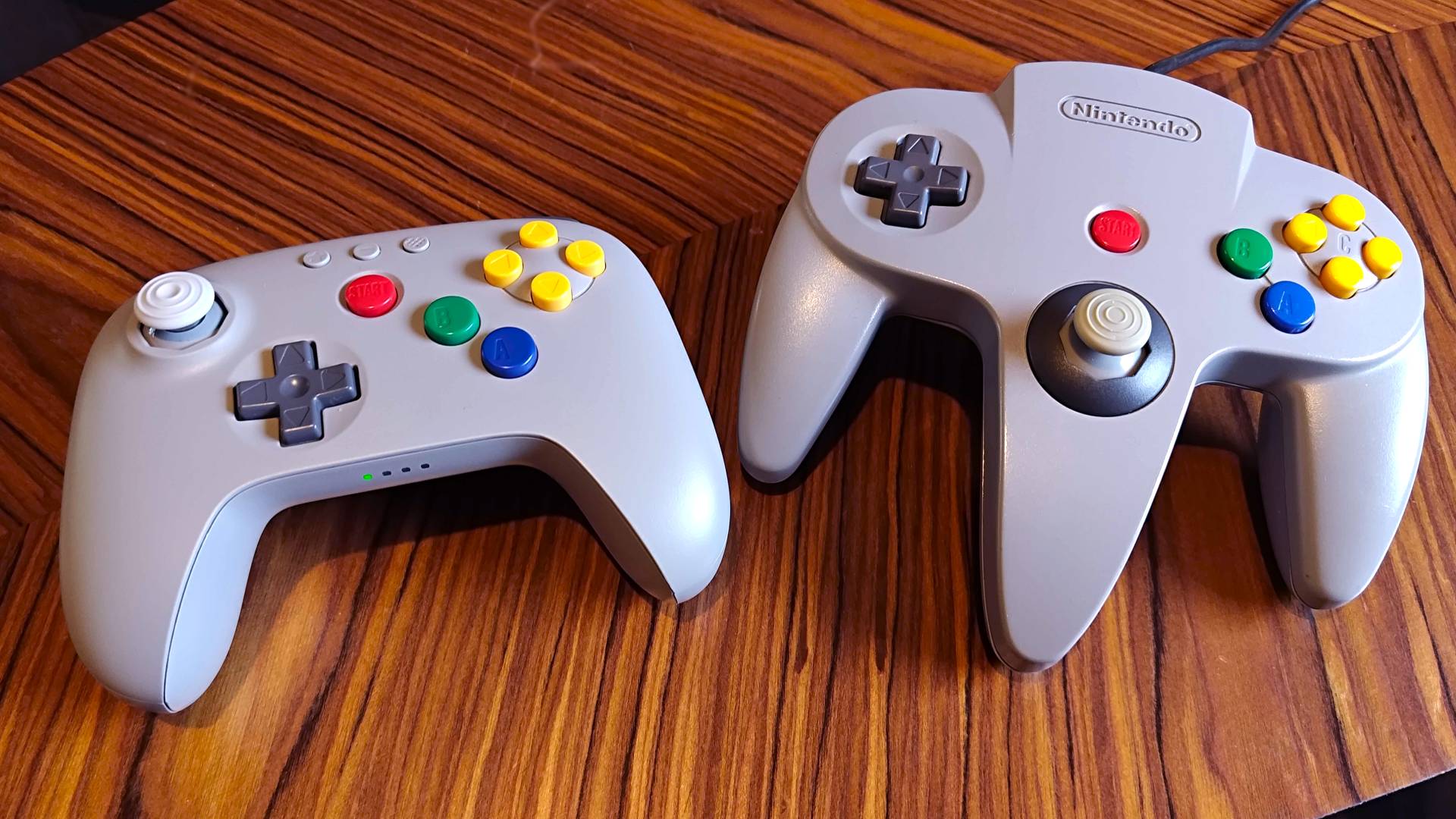
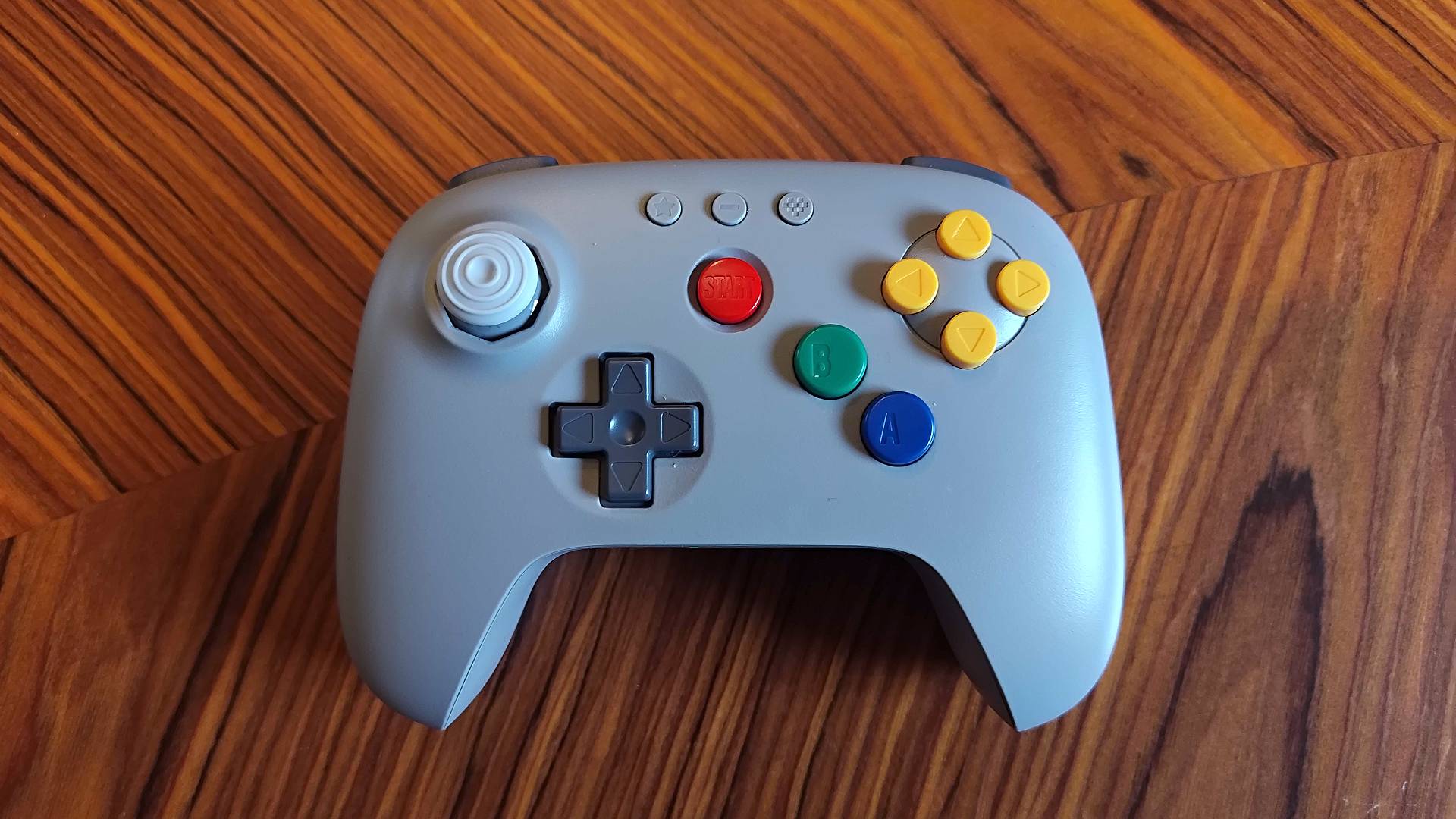
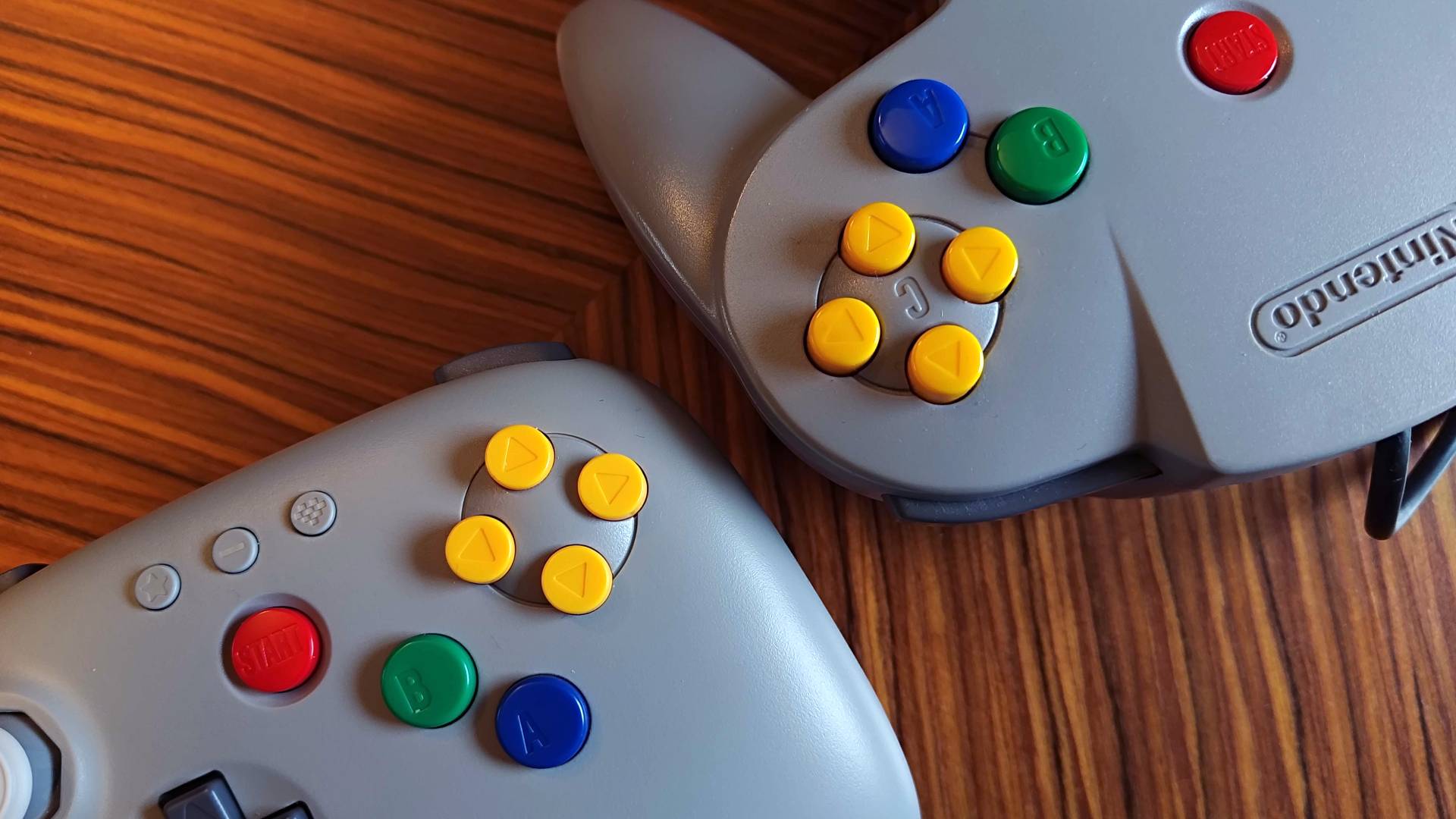
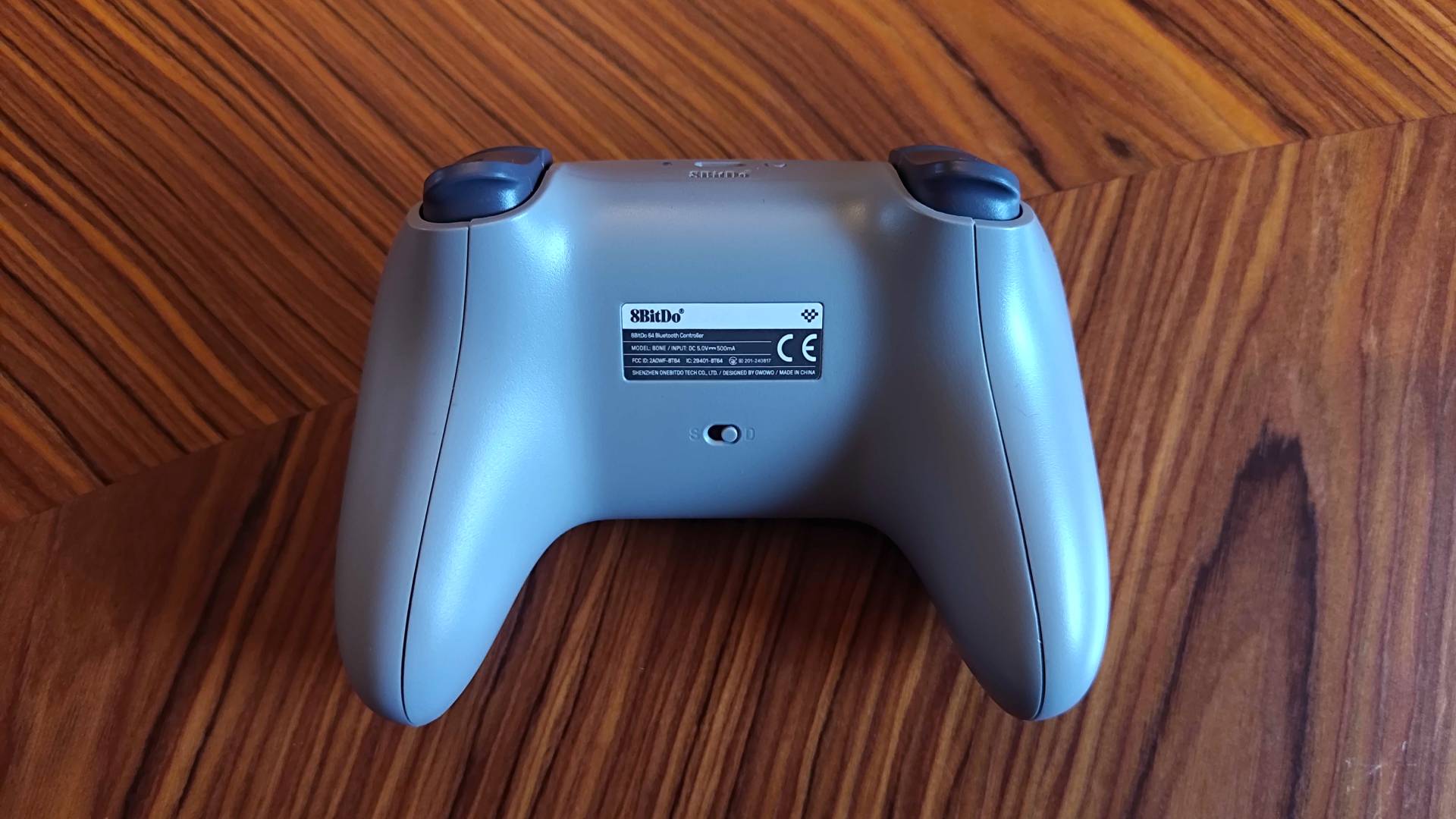
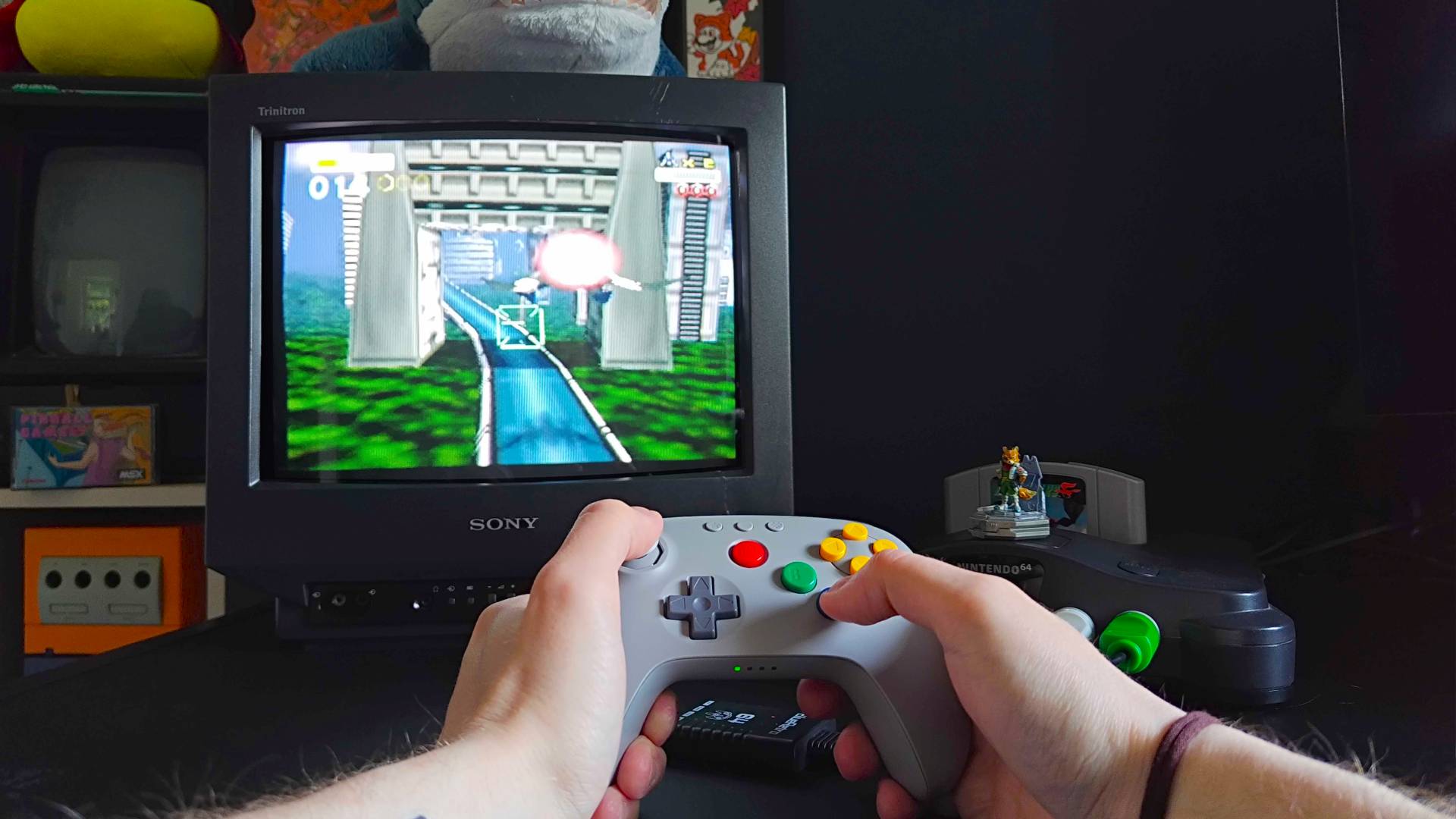
Those of you exclusively sticking with Star Fox 64 will want to grab the 8Bitdo controller with a 2.4GHz receiver. Doing so will let you plug straight into the console, whereas you'll need a separate retro receiver or adapter if you go for the Bluetooth version. I would consider the latter if you're planning on getting Star Fox for Switch 2, though, as it'll mean you can use the pad with Ninty's gaming handhelds and other devices (yes, I am going to just spend June as a Foxy pilot using the pad).
Opting for the 8Bitdo pad will actually save you a few pennies on accessories, as it has built-in rumble and memory card storage in the receiver. If you stick with the original, you'll need a separate Rumble Pak (they're around $17 at eBay), but I'd argue you don't have to rush out for a Controller Pak since there's no level saving in the N64 game (it will save your medals and score to the cart, though).
With all the above in hand, you're ready to save the Lylat System from a big disembodied floating head and his goons. In my humble opinion as a retro girlie, going to the effort of getting an N64 and all the bits is well worth it for Star Fox 64, even if it only serves to make the Switch 2 version feel all the more modern when it lands.
Quicker ways to play classic Star Fox
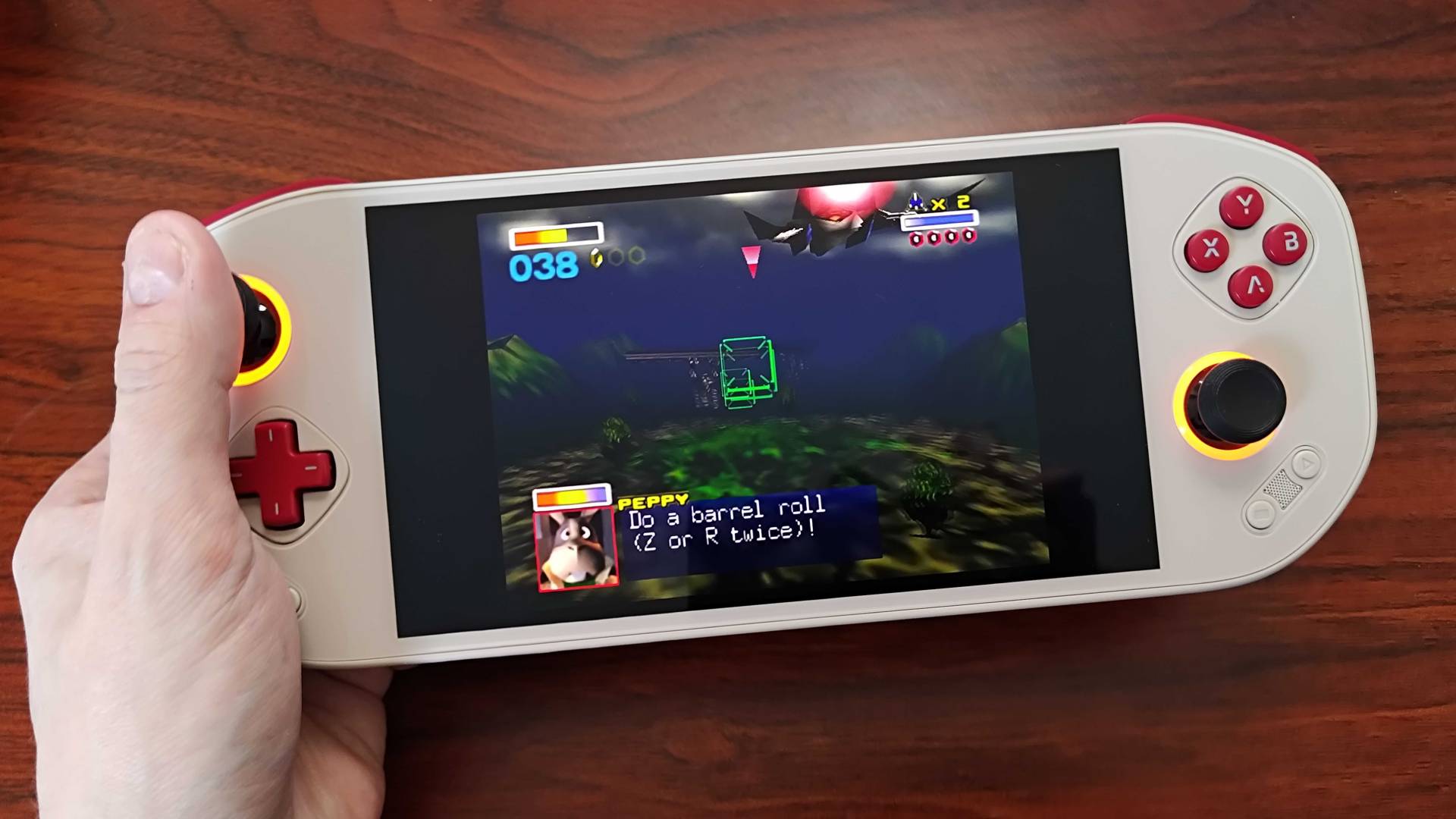
Alright, I know some of you have no interest in pitching up old consoles, especially if it's just to play Star Fox 64. The good news is that if you have a Switch 2, Nintendo's Online Subscription has you covered, and you can even use that 8Bitdo controller I recommended to dive into the action.
The NSO version uses emulation, but the results are as solid as you'd expect for an official Ninty port. My biggest issue with these emulated ROMs is that they usually feature weirdly sharp models and original resolution UI, which looks weird compared to the original hardware.
The same applies to running your own backed-up ROM on a retro handheld, but DIY methods come with their own caveats. For starters, the Nintendo 64 is notoriously difficult to emulate, so you'll need something punchy to get Star Fox 64 running without hiccups. Even when using a more premium portable like the Mangmi Pocket Max, I noticed some lighting effects and textures weren't quite right, so that's worth keeping in mind.
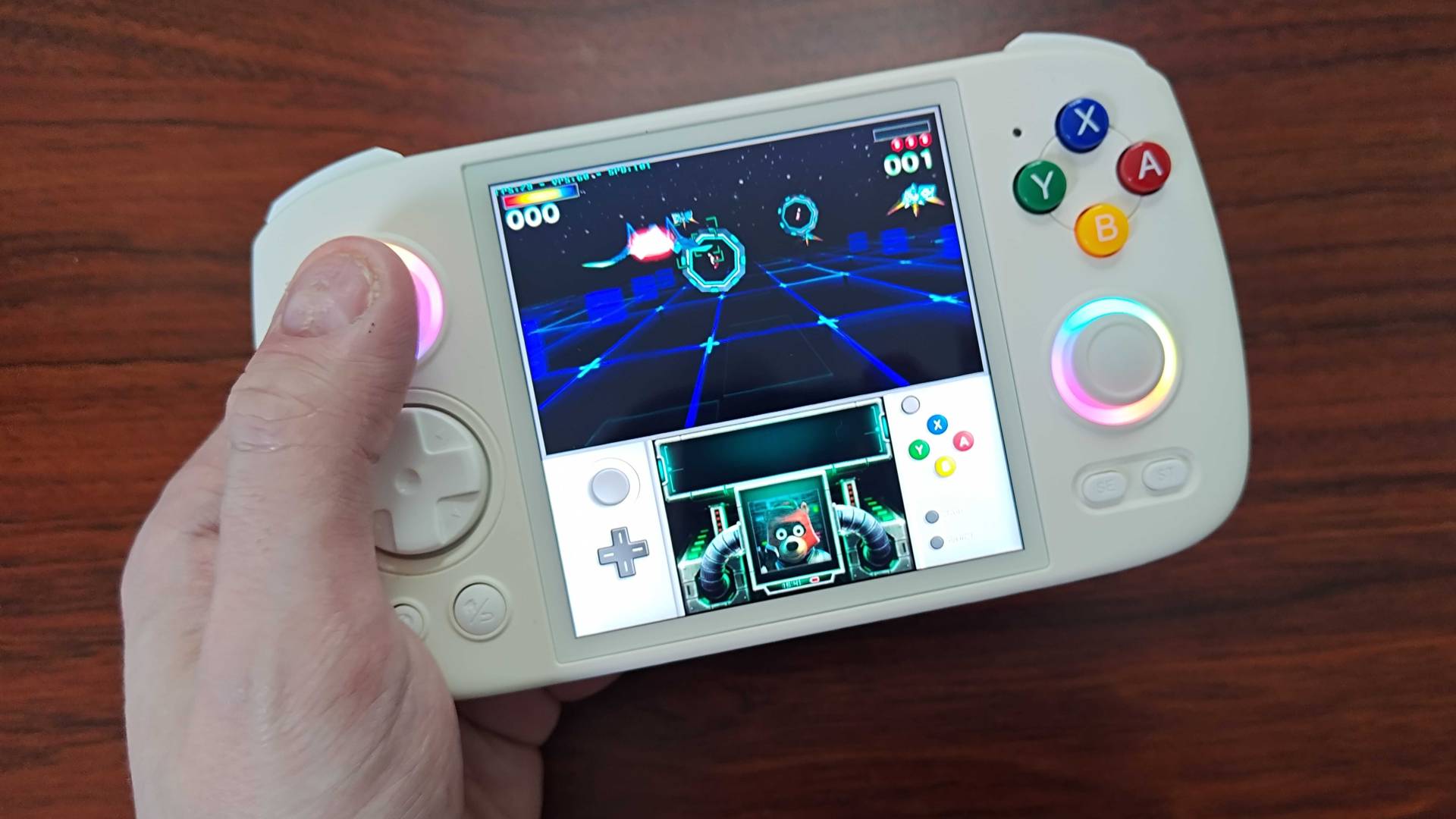
The good news is that Star Fox 64 also got a 3DS remaster, so grabbing that version or emulating it is also an option. You'll need something with decent specs and the right size of screen, like the Anbernic RG Cube, but it's another option with improved graphics.
In truth, it doesn't matter how you play so long as you give the original Star Fox 64 a go. You could even consider it a "training mode" for the remake, but I know in my heart it'll be the N64 version I go to first.
If you're just starting out, swing by the best N64 games for the console's top classics.

Phil is the Hardware Editor at GamesRadar+ who specializes in retro console setups, choosing the latest gaming handhelds, and navigating the choppy seas of using modern-day PC hardware. In the past, they have covered everything from retro gaming history to the latest gaming news, in-depth features, and tech advice for publications like TechRadar, The Daily Star, the BBC, PCGamesN, and Den of Geek. In their spare time, they pour hours into fixing old consoles, modding Game Boys, exploring ways to get the most out of the Steam Deck, and blasting old CRT TV visuals into their eye sockets.
View MoreYou must confirm your public display name before commenting
Please logout and then login again, you will then be prompted to enter your display name.
Logout LATEST ARTICLES 1One Baldur's Gate 3 fan is on a mission to complete the weirdest collection in the RPG
- 2Chronology of Water and Stranger Things stars set to lead new TV show based on popular comic
- 3Mass Effect hasn't been great in "a long time," but Exodus can fill the gap according to Hasbro CEO
- 4I've been thinking about this RPG for 8 months, and it's finally on Steam with 96% positive reviews
- 5Horizon Zero Dawn Remastered used PlayStation's AI animation tool, and Naughty Dog is following suit
Схожі новини

У Росії можуть оголосити мобілізацію: політтехнолог припустив, коли це станеться
First-party Xbox studio Double Fine is unionizing
"Коледж", якого не існувало: на Кіровоградщині викрили зухвалу схему бронювання чоловіків