iOS 27’s new design leak sounds a lot like what I’ve been wanting most
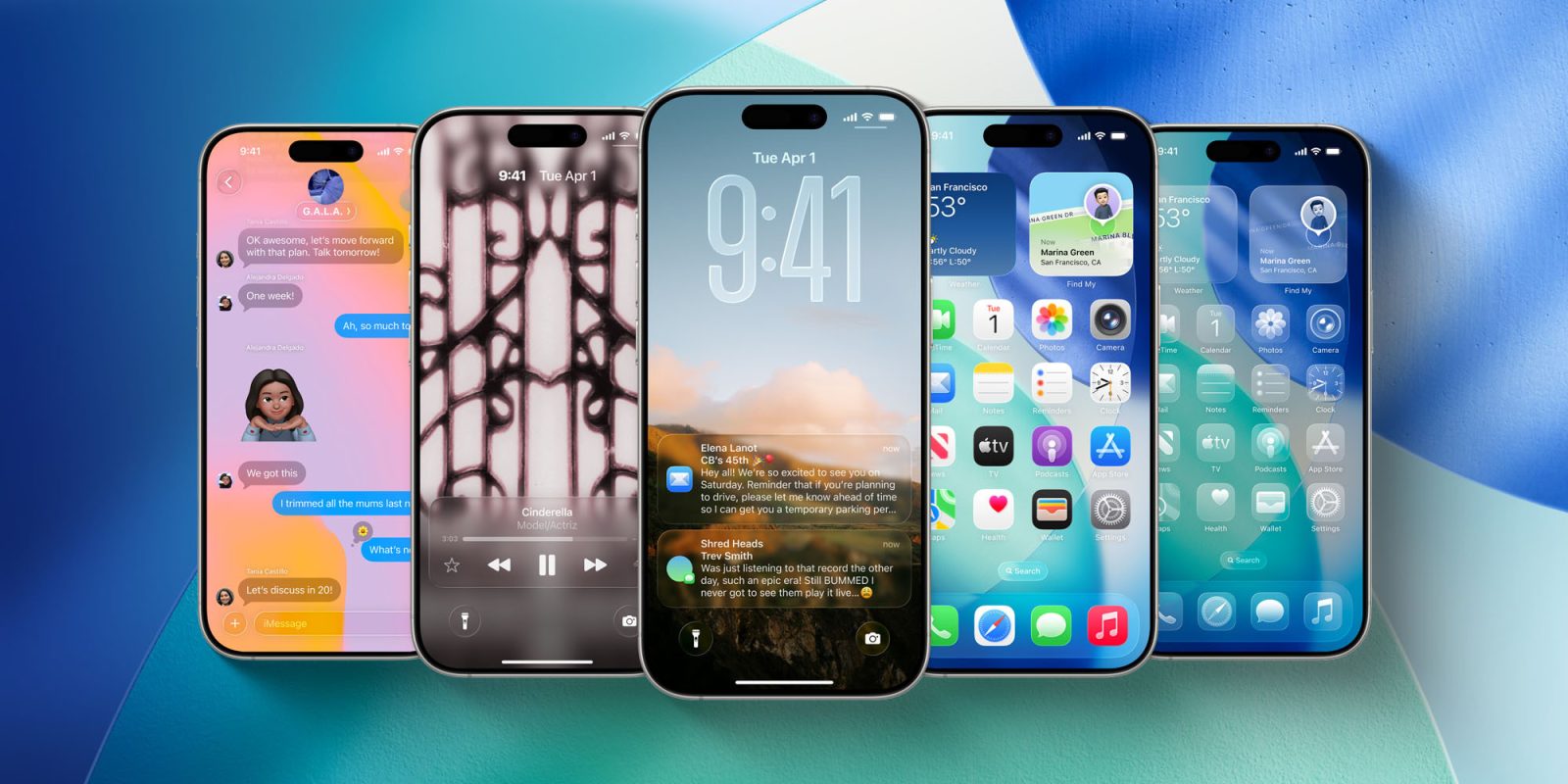

Yesterday Mark Gurman at Bloomberg published an extensive report covering design changes for iOS 27 overall, with lots of specifics on the new Siri and upgraded Camera app. One of my favorite details could be good news for the Liquid Glass change I’ve been wanting most.
Apple is redesigning iOS 27’s Liquid Glass tab bars, potentially solving my biggest complaint
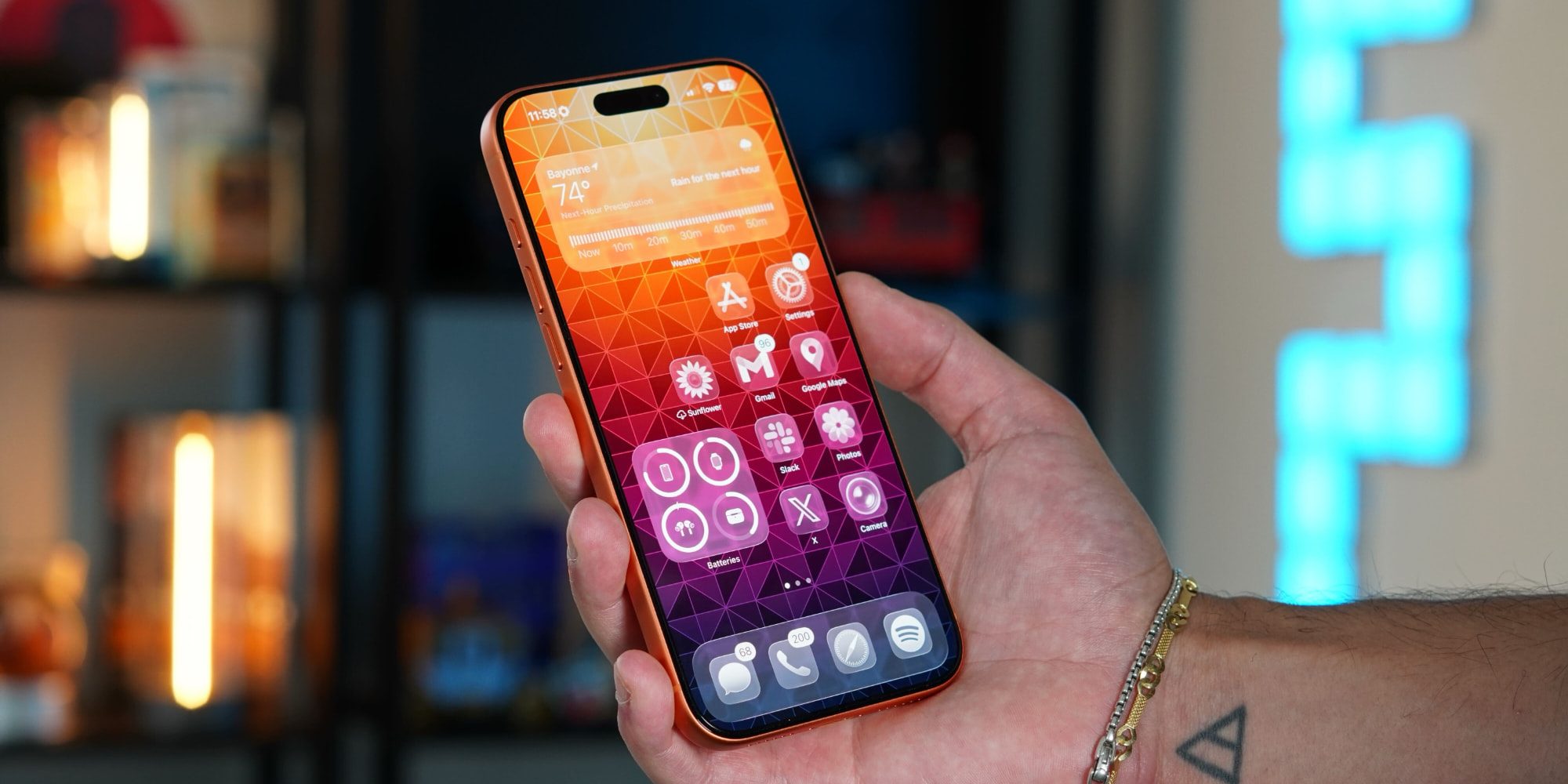
iOS 27’s unveiling is just a few weeks away, and leaks about new features and changes just keep coming.
The latest is from Bloomberg’s Mark Gurman, who reported yesterday about a variety of design updates in iOS 27. Gurman writes:
The next major iPhone software update, iOS 27, also will include noticeable design changes across several areas, including the Siri digital assistant, system search and apps such as Safari, Image Playground and Weather. Apple is also planning systemwide changes, such as new animations and redesigned tab bars.
It’s the systemwide changes that especially caught my eye. Previously, Gurman has said iOS 27 will bring “refinements” to Liquid Glass. But this latest report has some concrete details on new systemwide designs.
For example, he mentions a new animation when the on-screen keyboard is loaded. It will “show the keys sliding up from the bottom of the iPhone’s interface.”
Regarding tab bars in apps he writes, “Apple is tweaking the tab bar across the bottom of several apps to combine the search tab with the rest of an app’s tabs.”
This idea of redesigned tab bars is what has me the most excited. That’s because tab bars in iOS 26 are my biggest complaint about the Liquid Glass design.
iOS 26’s tab bars feel like a regression, and iOS 27 could fix them
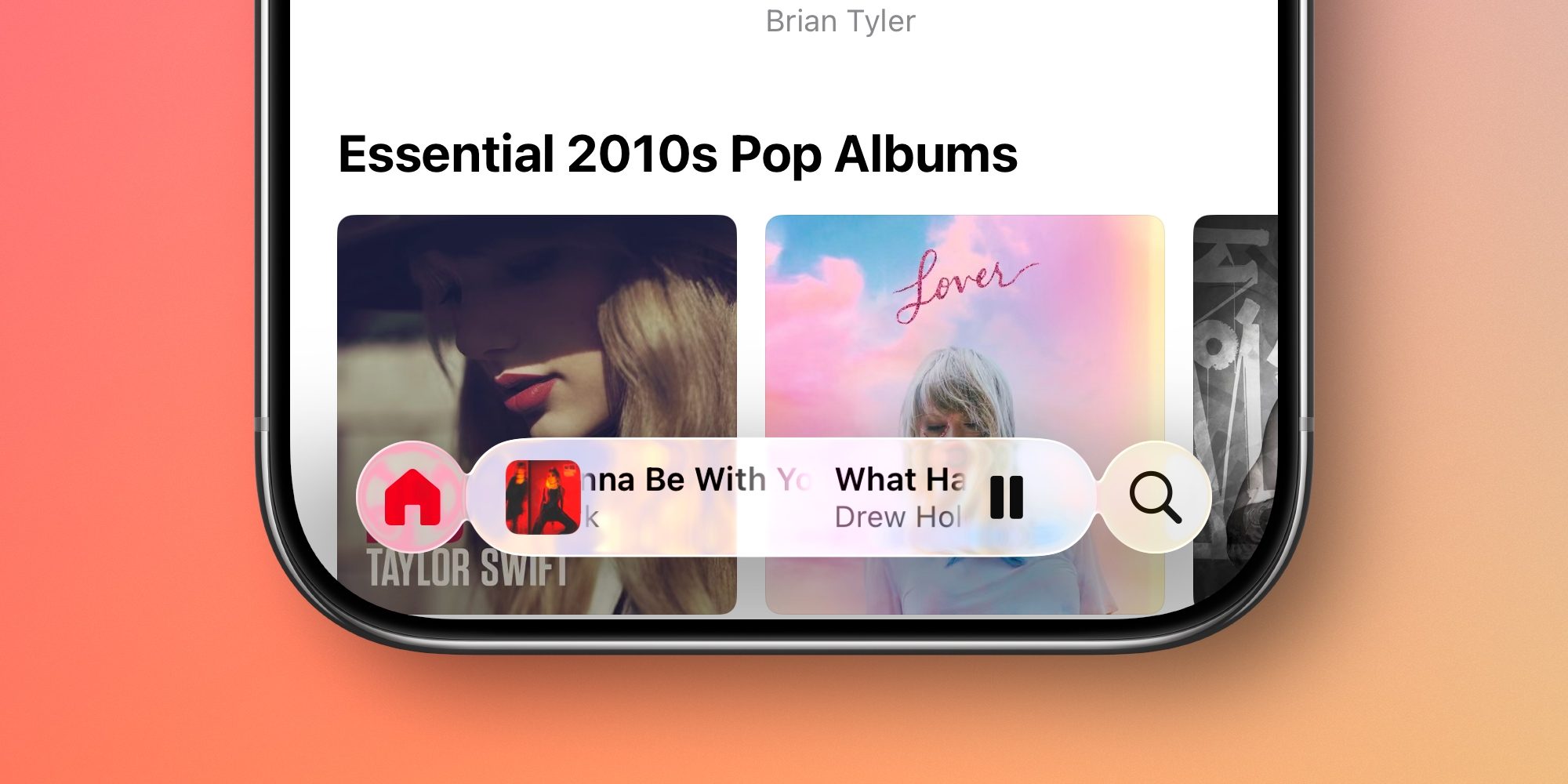
In iOS 26, Apple made tab bars at the bottom of apps more transparent, and split search into a standalone button. Additionally, tab bars in several apps now collapse into a single icon in the bottom-left corner when you scroll.
It’s this last tab bar change that’s been a problem for me.
Every day, many times each day, I find myself needing to tap that minimized tab bar to get it to reappear, then tap again to get to the tab I want.
It happens daily in the Photos app, Music, and Podcasts.
That extra tap, since it’s required for the very common act of switching tabs, feels regressive.
I like how Liquid Glass tab bars look, but this behavior very much seems a step back from iOS 18.
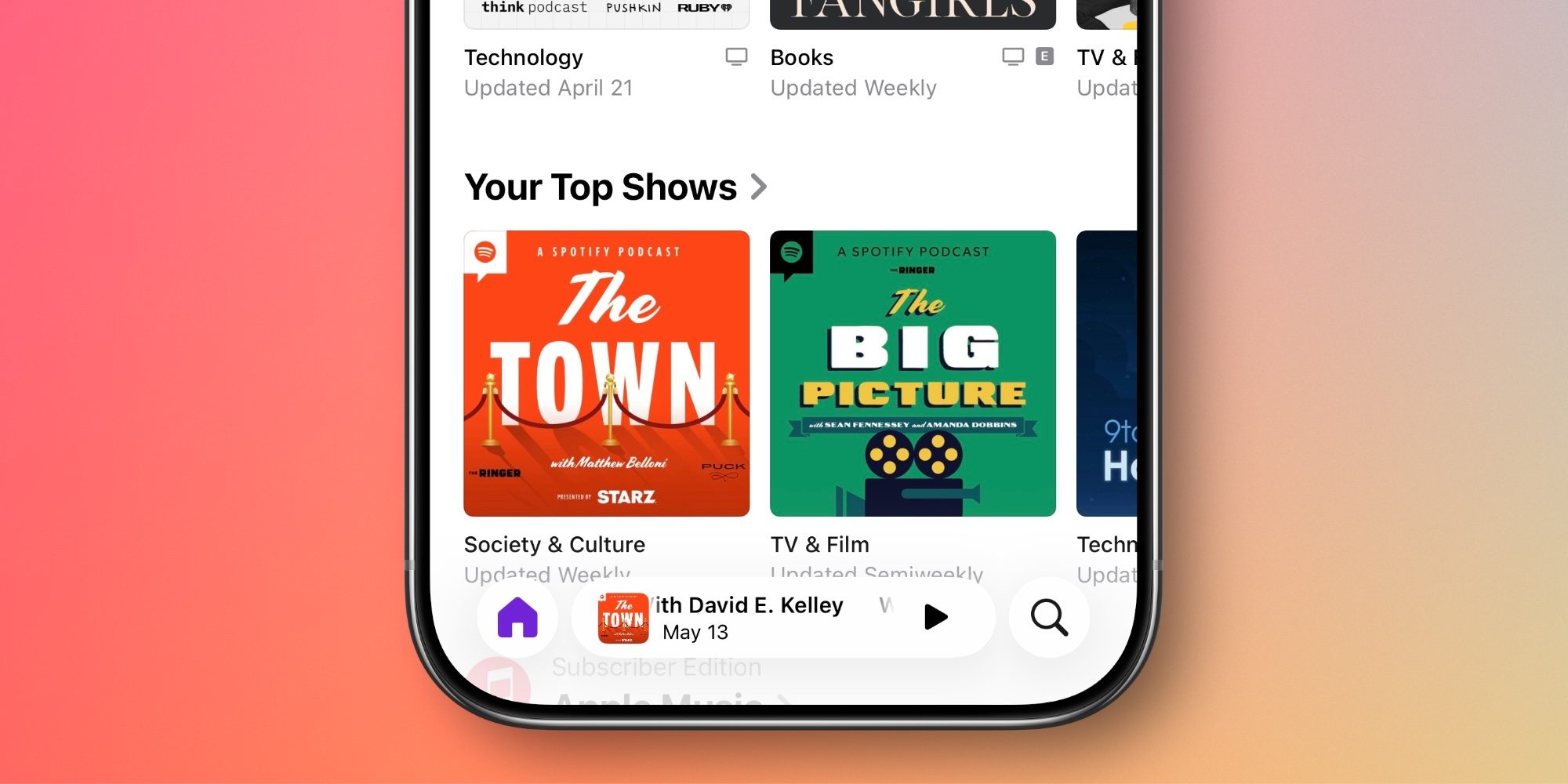
And to be clear, there are plenty of apps in iOS 26 where tab bars work differently. News, Books, and TV all keep the full tab bar visible when you scroll.
My hope is that integrating search back into the tab bar means iOS 27 will undo the tab bar collapsing ‘feature’ too. Otherwise, there would seemingly be no point in reverting to the integrated iOS 18 design.
Both the App Store and Games reintegrated search into the tab bar in iOS 26.4, and neither app minimizes the bar.
Plus, if Apple keeps minimizing the tab bar in iOS 27, that means search will start being hidden too. And I’d be very surprised if Apple makes tab bars worse in the new update. The company is pretty good at iterating on designs based on user feedback.
Based on Gurman’s report, the most likely outcome is that I get my wish, and tab bars across all apps stay visible even while scrolling. And if that happens, my biggest current Liquid Glass complaint will be addressed.
What new changes do you hope Apple makes to the design in iOS 27? Let us know in the comments.
Best iPhone accessories
- 10-year AirTag battery case 2-pack
- MagSafe Car Mount for iPhone
- AirPods Pro 3
- 100W USB-C fast charging power adapter
- Apple’s new AirTag 2 (1-pack / 4-pack)


Схожі новини

Did Emmanuel Macron get slapped? Book claims French prez called Iranian actress 'pretty'