iOS 26.4 moves App Store updates, here’s how to open them fast
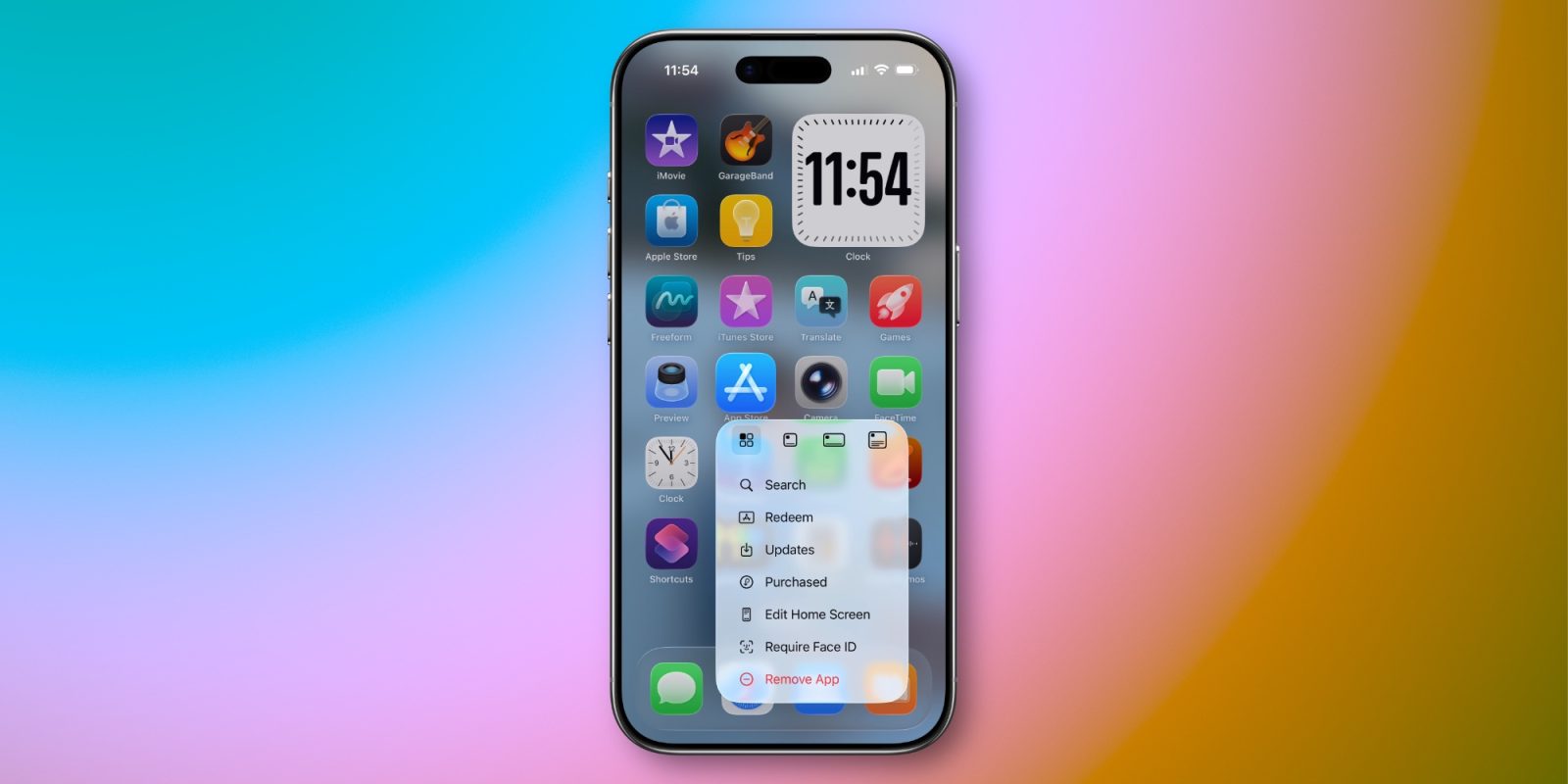

iOS 26.4 made some changes to where app updates are located in the App Store. But there’s a shortcut available to find them just as quickly as before.
Home Screen offers shortcut to launch into App Store’s ‘Updates’ screen
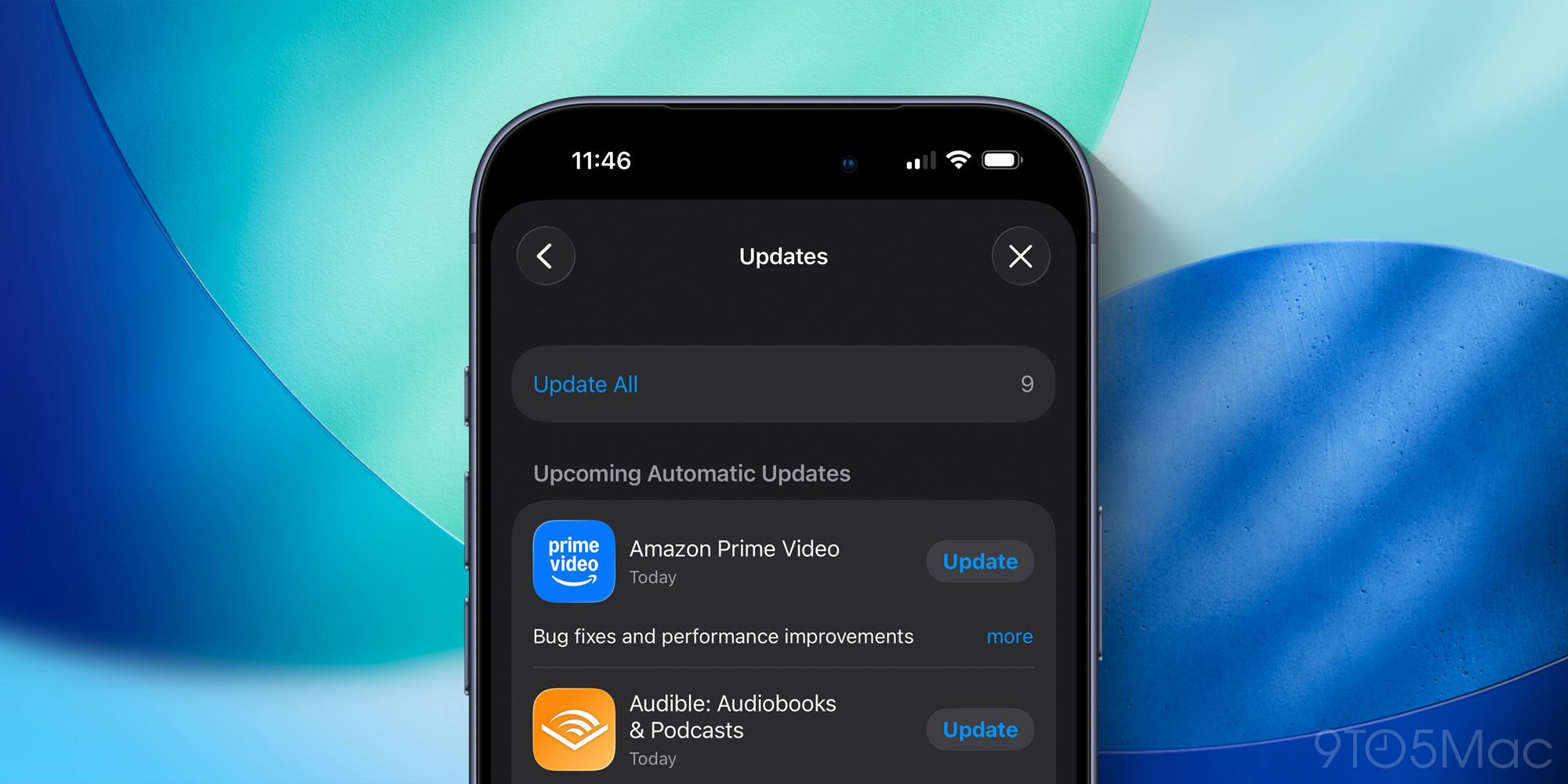
Most iPhone users probably never bother checking the details on app updates inside the App Store.
But if you’re like me, and perusing the latest updates is a regular habit, iOS 26.4 made a change you might not appreciate.
In previous versions of iOS 26, you could view a list of new app updates by opening the App Store and tapping your profile image in the top-right.
Now in iOS 26.4, you still go to the same place, but there’s one extra step: tapping the new ‘Updates’ menu option.
One more tap isn’t a huge deal, but if you check on app updates often, it can certainly be annoying.
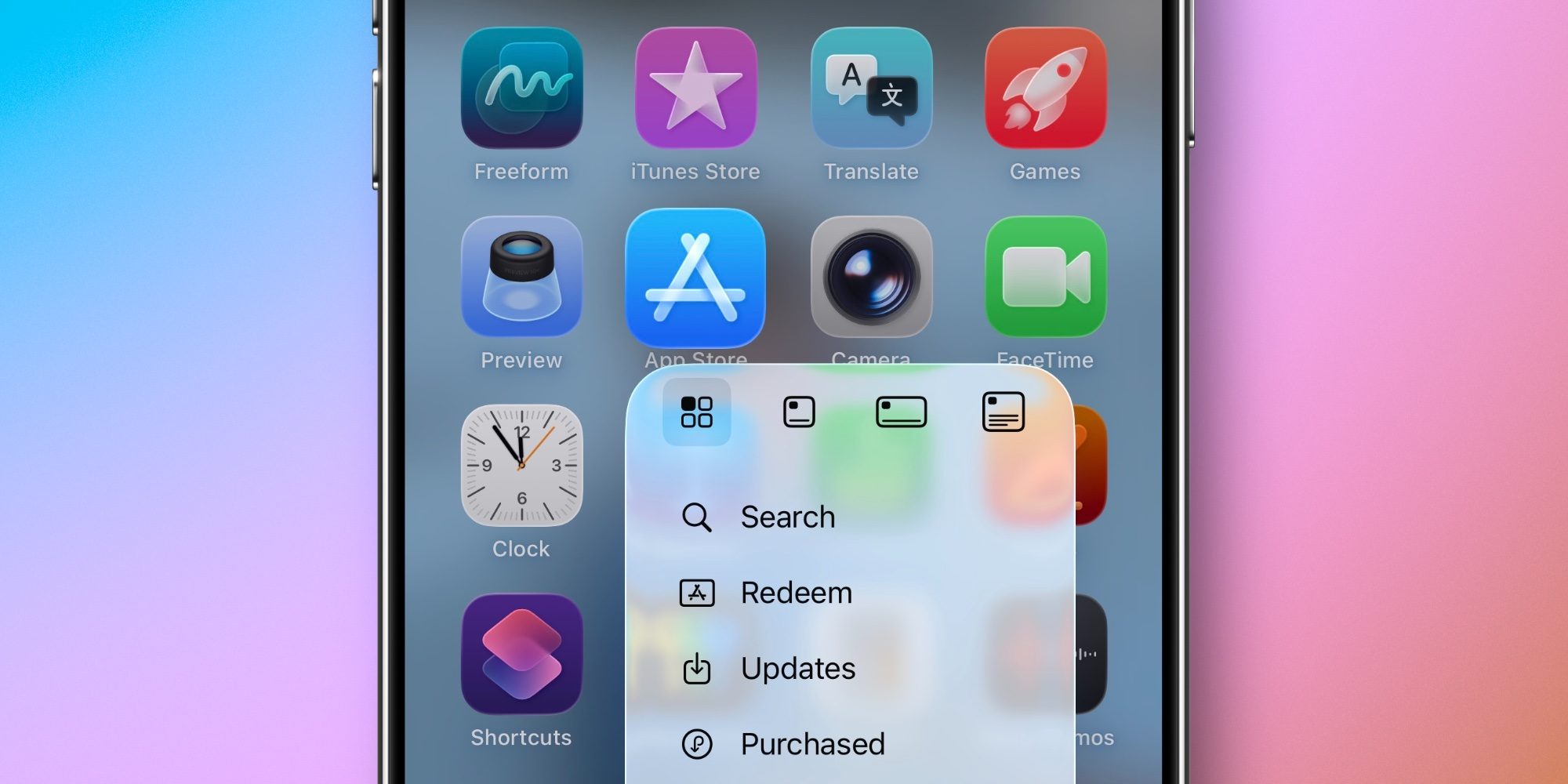
But there’s a shortcut iOS has long supported—and still does—for getting to the Updates screen as fast as ever.
Top comment by Magic Miguel
Liked by 18 peopleNice! Ever since they removed 3D touch I don't really think to long press on apps. This definitely saves a few extra taps.
Схожі новини
Ubisoft сократила более 1 200 сотрудников за год и зафиксировала убыток в €1,5 млрд
У Києві відкрили інноваційний інтерактивний маршрут-квест за книгою про операцію ГУР

Even Claude agrees: hole in its sandbox was real and dangerous