How to go fishing in Diablo 4
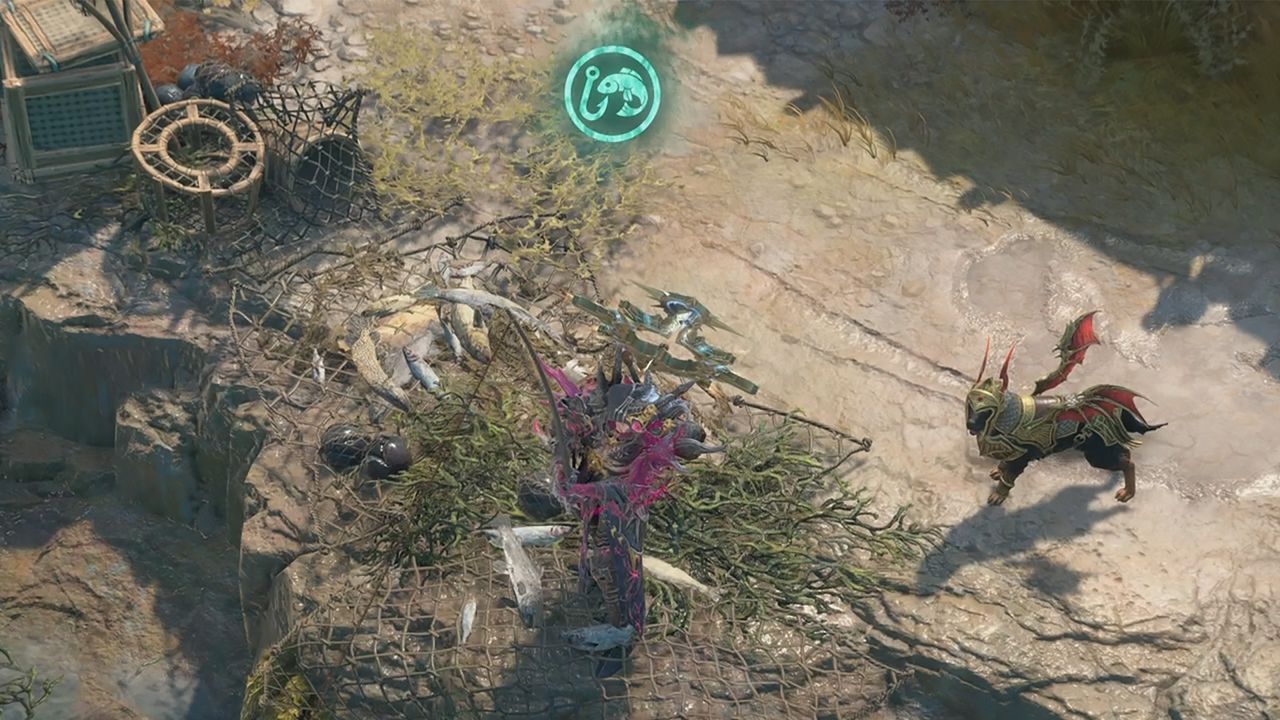
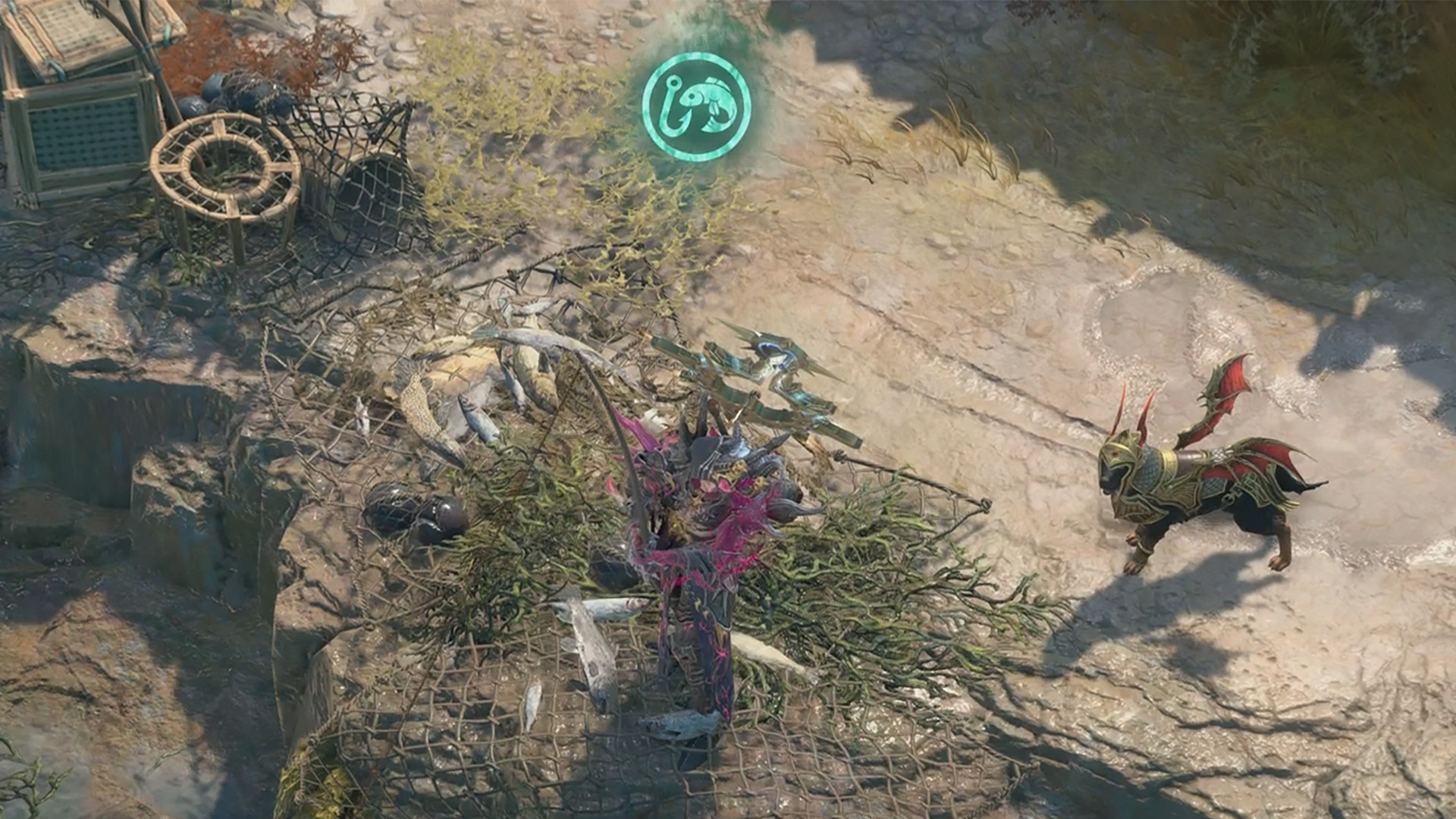
Diablo 4 fishing is a new pastime introduced with the Lord of Hatred expansion, providing a relaxing hobby that's a far cry from hacking and slashing your way through hordes of unspeakable creatures. Blizzard have described this as an endgame activity, so you'd think it would become available after clearing the campaign, but you can actually get started with it early in the latest adventure. To find out more, here's how to unlock fishing in Diablo 4 and land your catches.
How to unlock fishing in Diablo 4
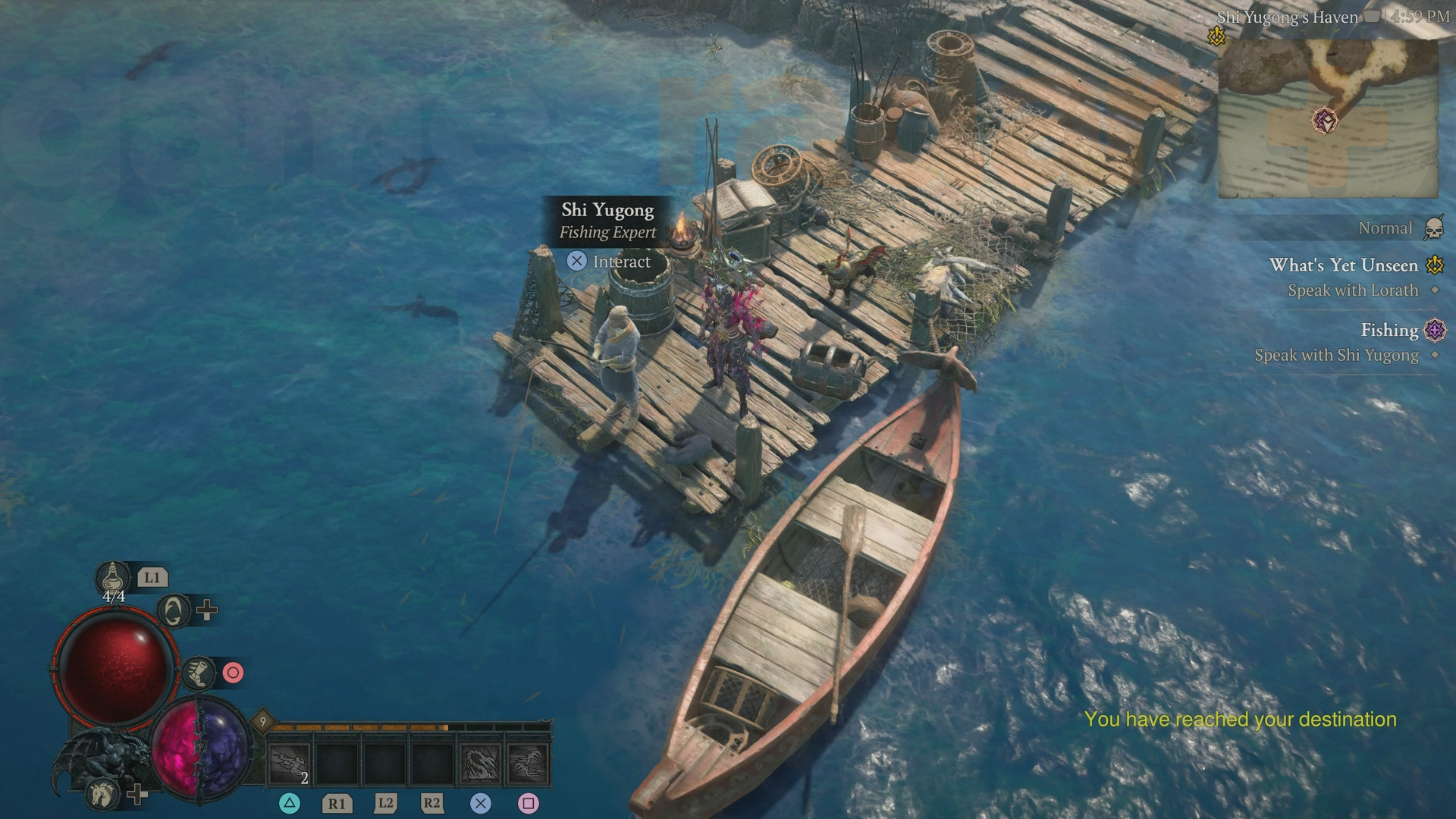
After traveling to Skovos and completing your initial quest in the city of Temis, a Priority Quest marker for Fishing will appear to the east in the Philios region. Head to that location and you'll meet fishing expert Shi Yugong, then speak to them to unlock the Diablo 4 Fishing emote – this should be automatically added to your Action Wheel, but if not you can use the Customize option to add it from the Miscellaneous tab, and you can also assign a key bind to it afterwards from the Controls tab in the Options menu.
How to catch fish in Diablo 4
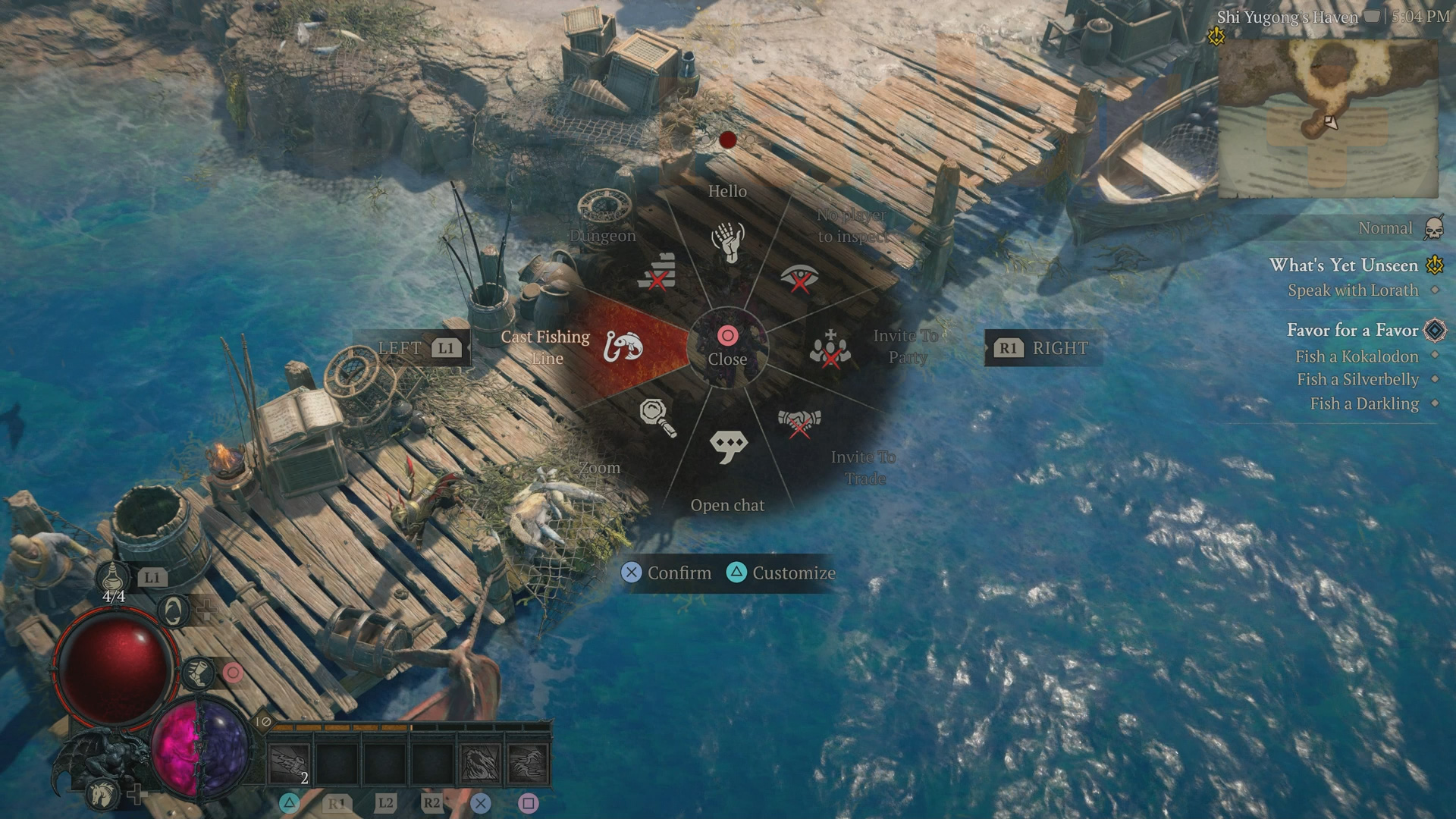
To catch fish in Diablo 4, you just need to stand close to a body of water and then activate the Cast Fishing Line emote from your Action Wheel – if you get a warning that your location isn't suitable then adjust your position to get closer to the water. Once you've cast, wait until you see a splash in the water at the end of the line and the fish icon appears above you, then quickly hit any action button to land your catch. This is usually one or two fish, though you can also reel in junk items and occasionally a monster or other surprises!
Article continues below
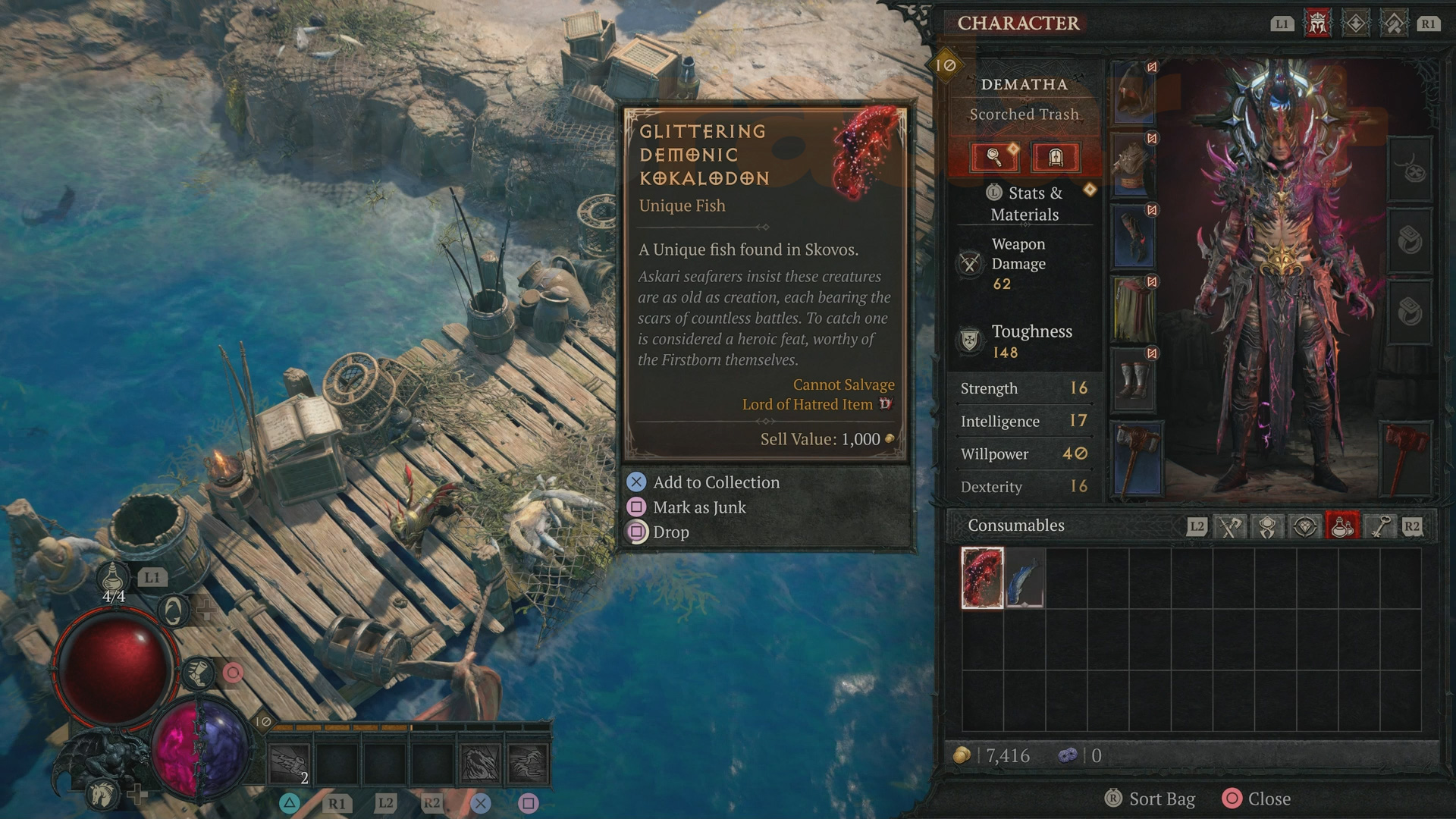
All of your catches while fishing in Diablo 4 will be stored in your Consumables menu, and they have no weight so you can hold/carry as many as you like. There are many different types of fish, and each species can have variations in different rarities – the first time you catch each unique fish, you'll have the option to consume it from the Consumables menu and add it to your collection.
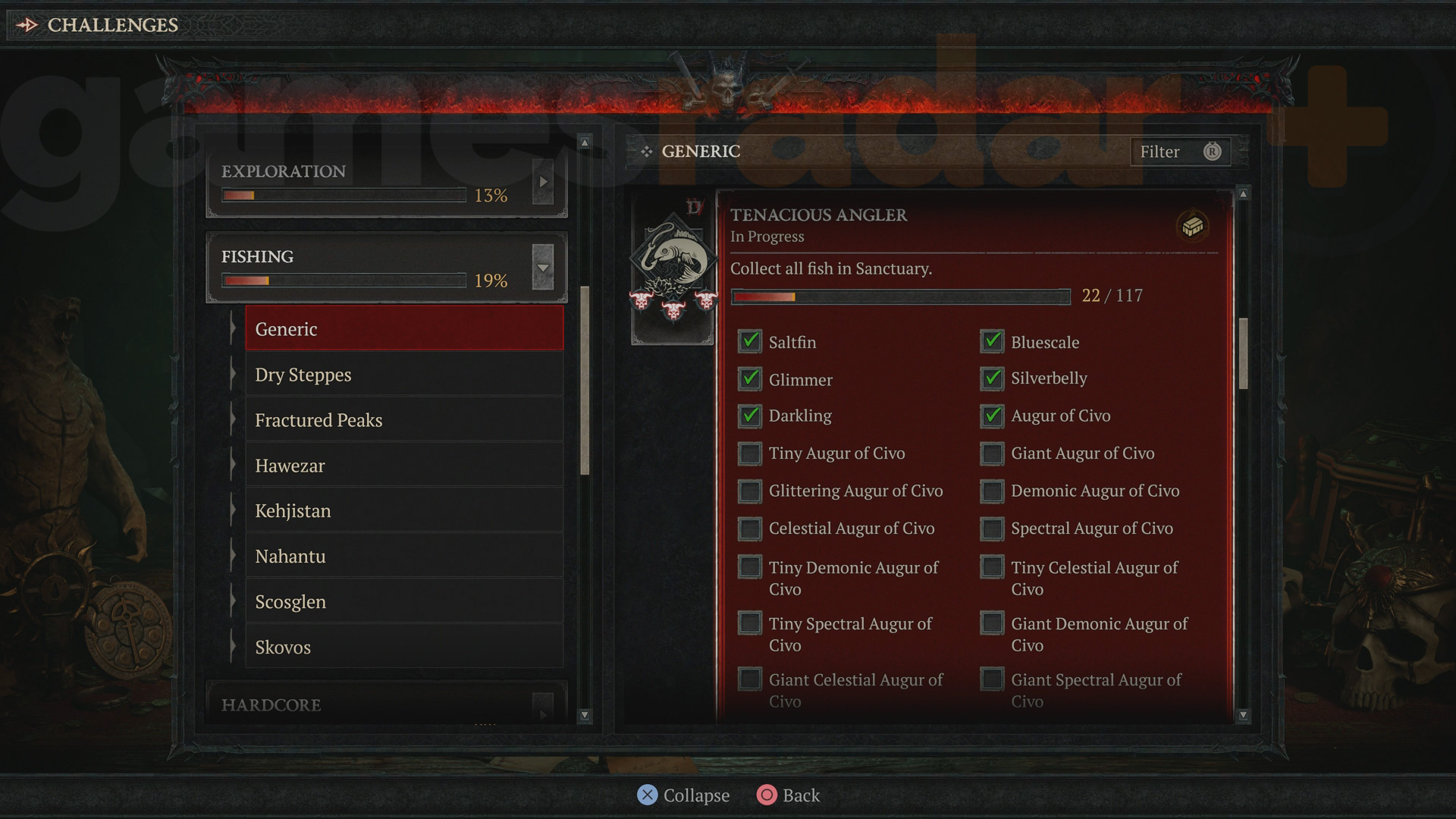
You can only do this once, so if you try to add the same fish to your collection again nothing will happen. You can track how your progress towards this challenge is going by opening the map screen, selecting the Collections tab and Challenges, then scrolling down to Fishing and expanding it to find the Tenacious Angler checklist. You can also expand each region to see which fish are exclusive to that area. Your catches are quite valuable, so you can either trade them with other players to fill in more of your collection or sell them to a merchant for a tidy profit.
Now you know how to go angling, we've got all of the fish locations for the Diablo 4 Favor for a Favor and Diablo 4 The One That Got Away quests.
© GamesRadar+. Not to be reproduced without permission.
Sign up to the GamesRadar+ Newsletter CATEGORIES
Iain originally joined Future in 2012 to write guides for CVG, PSM3, and Xbox World, before moving on to join GamesRadar in 2013 as Guides Editor. His words have also appeared in OPM, OXM, PC Gamer, GamesMaster, and SFX. He is better known to many as ‘Mr Trophy’, due to his slightly unhealthy obsession with amassing intangible PlayStation silverware, and he now has over 1,000 Platinum pots weighing down the shelves of his virtual award cabinet. He does not care for Xbox Achievements.
View MoreYou must confirm your public display name before commenting
Please logout and then login again, you will then be prompted to enter your display name.
Logout LATEST ARTICLES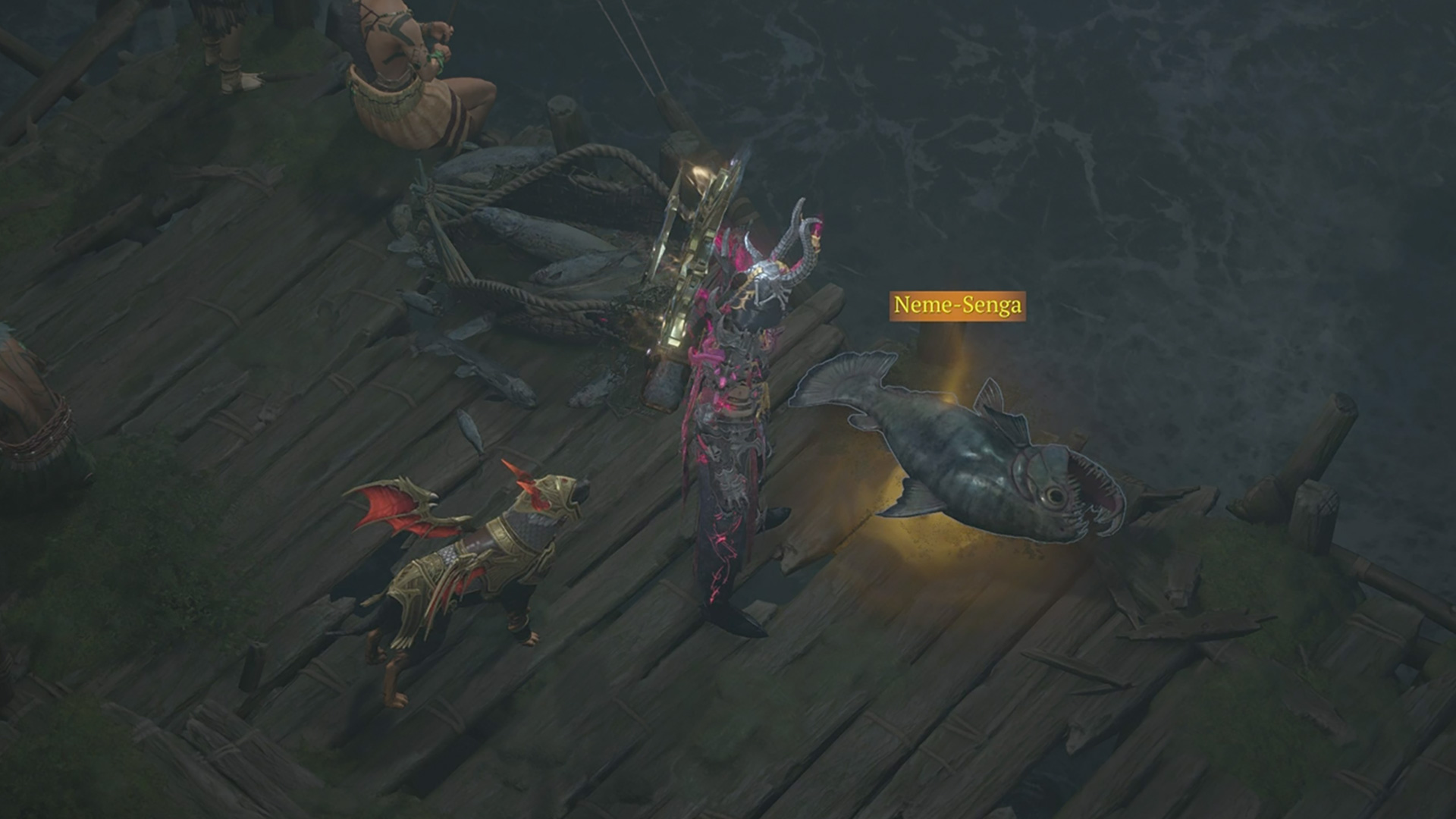 1How to complete The One That Got Away in Diablo 4
- 2Skyrim inspired Kingdom Come: Deliverance, but Warhorse co-founder once listed "100 reasons that he hates" the RPG
- 3Quoted Tech Horizon Custom gaming PC review
- 45 horror movies made by comedy stars to watch after Adam Scott's new scary flick Hokum
- 5Baldur's Gate 3 proved things that big companies "chasing the money need to learn from," actor says
Схожі новини

Чи можна збільшити пенсію, якщо продовжити працювати

Як зібратися на тиждень із ручною поклажею: прості лайфхаки від стилістки

Посадіть ці рослини поруч з перцем: вони захистять його від шкідників
