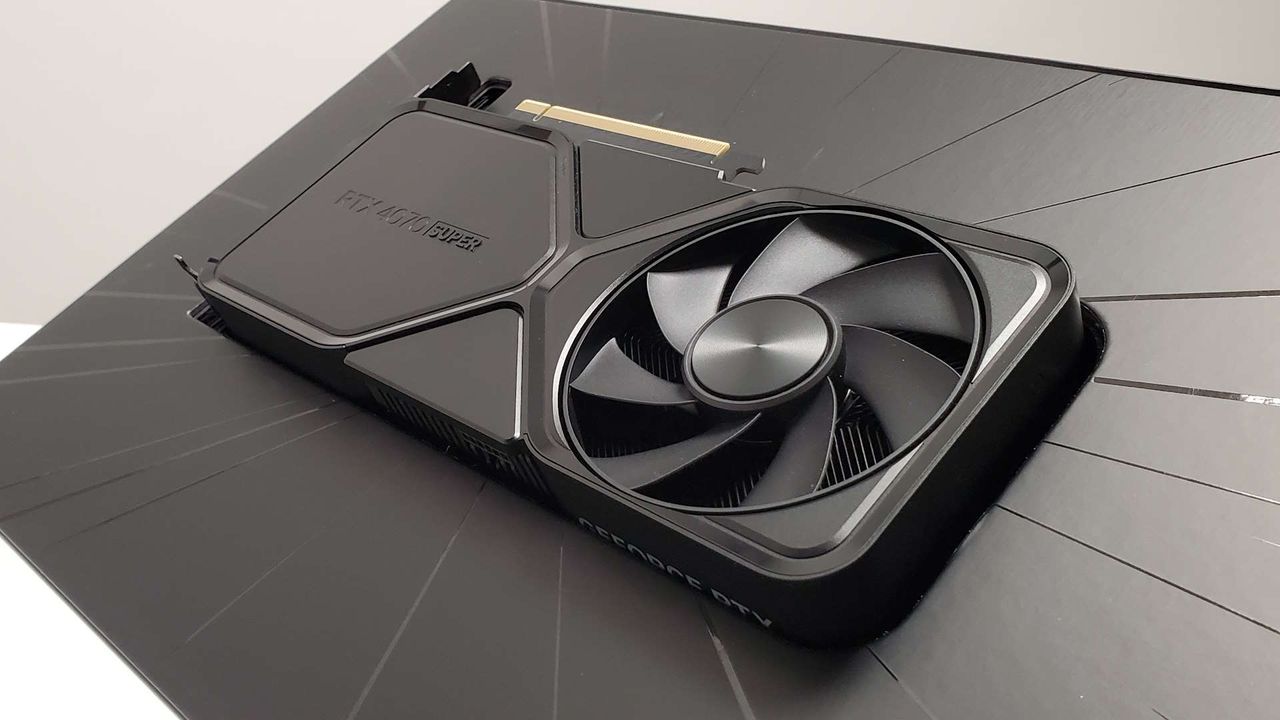
Best NTE: Neverness to Everness graphics for no lag and max FPS
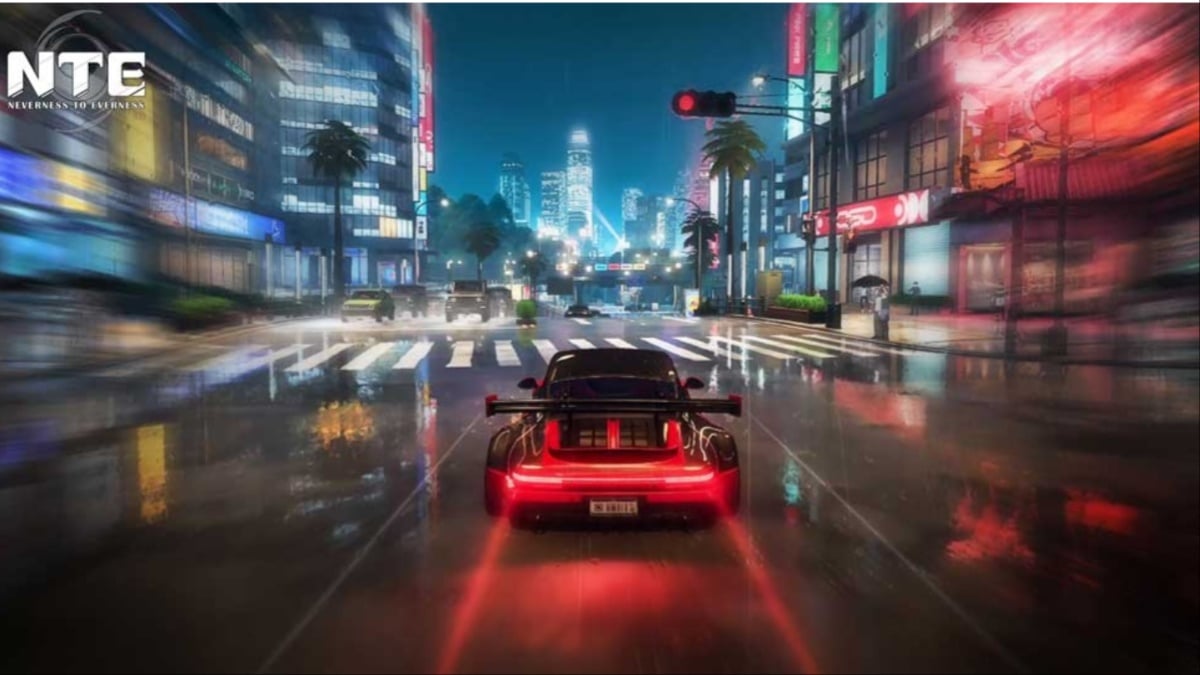
NTE: Neverness to Everness is now out on PC, consoles (PS5 only), and mobile devices (both iOS and Android), and you can tweak the in-game graphics to get the best performance on your device. This is mostly applicable to PC players, since the number of options on other platforms is limited.
So let's figure out how to get the most out of your hardware.
Best NTE: Neverness to Everness graphics settings
Before I deep dive into the settings, here's my current setup.
- NVIDIA RTX 3060 12 GB
- 16 GB of DDR5 RAM
- AMD Ryzen 5600G
If your specifications are comfortably above the minimum requirements, you won't need to make many tweaks. You can just go with the default settings that NTE: Neverness to Everness will set automatically. The following settings are primarily aimed at low- to mid-range devices.
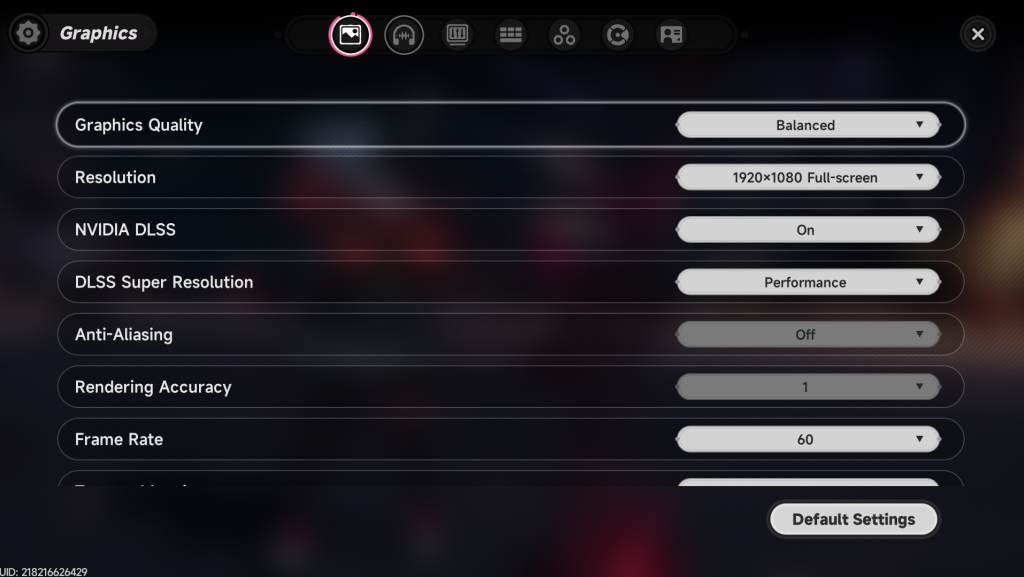
- Graphics Quality: Smooth/Performance
- Resolution: 1920x1080 (depends on your setup)
- NVIDIA DLSS: On
- DLSS Super Resolution: Performance
- Anti-Aliasing: Off
- Frame Rate: 60
- Texture Mapping: Low
- Texture: Low
- Foliage: Very Low
- View Distance: Low
- Post-Processing: Low
- VSync: Off
- Sharpening: 0.3
- Saturation: 100
- Motion Blur: Off
Here are brief explanations of the settings I chose.
- Vsync is something you should turn on only if you have a powerful rig. Otherwise, you're saving the load on your setup and improving the performance.
- There are several instances of stuttering I have experienced at higher frame rates. Hence, I went with 60 FPS. NTE: Neverness to Everness isn't a shooter, and you don't lose much by playing the game at 60 FPS. It's a number at which performance appears smooth and consistent. Most importantly, it stopped the stutters.
That's pretty much all you have to do to get consistent performance if you're playing on PC. A note: the general performance seems rough for most players (according to the internet), so I expect a few post-launch patches to address the issues. If you're past the tutorial stage, it's time to set a team. Our tier list will help you get a strong start that quickly clears all types of challenges.
The post Best NTE: Neverness to Everness graphics for no lag and max FPS appeared first on Destructoid.
Схожі новини
Logitech jumps on the TMR keyboard trend, but does so in the smartest way I've seen yet

Take-Two Still Won't Say How Much GTA 6 Costs, But Claims It Will "Charge Way Way Less Of The Value"
Sabotage, Crunch Culture, And Spying: Meet The MindsEye Developer Speaking Out About The Chaos